

To proceed in this guide, you need:
- Access to your QA Wolf team.
- Admin access to your GitHub repository.
You cannot use GitHub actions if your team:
- Self-hosts GitHub Enterprise Server without internet access.
- Explicitly disables GitHub Actions by policy.
- If either applies, see the SDK Integration Guide for an alternative.
How to: Integrate QA Wolf and GitHub Actions
How to: Integrate QA Wolf and GitHub Actions
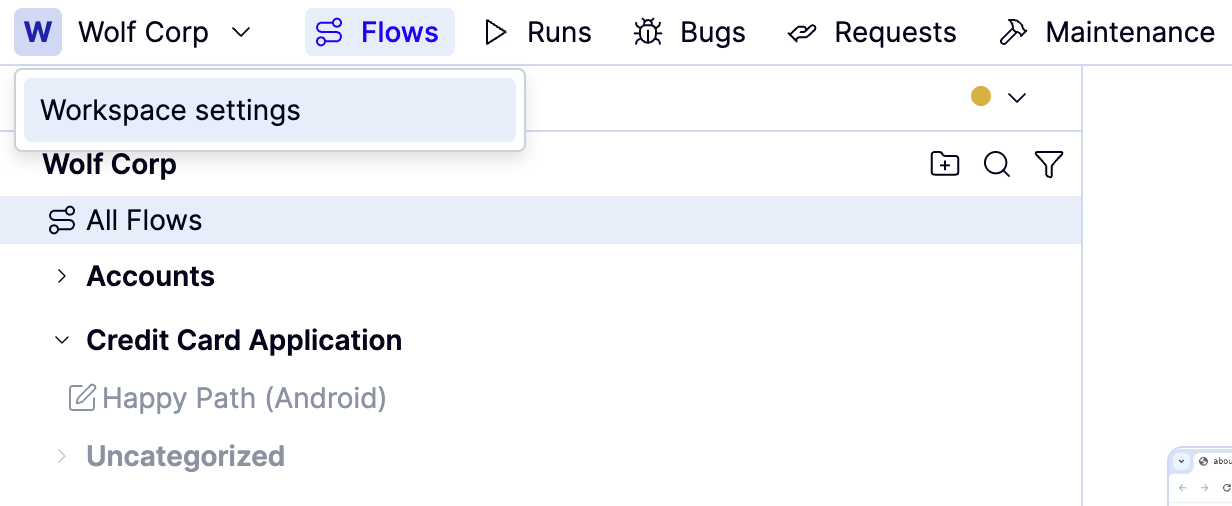
Choose Integrations and then click Enable next to GitHub. This opens GitHub, where you’ll be prompted to sign in if you have not already done so.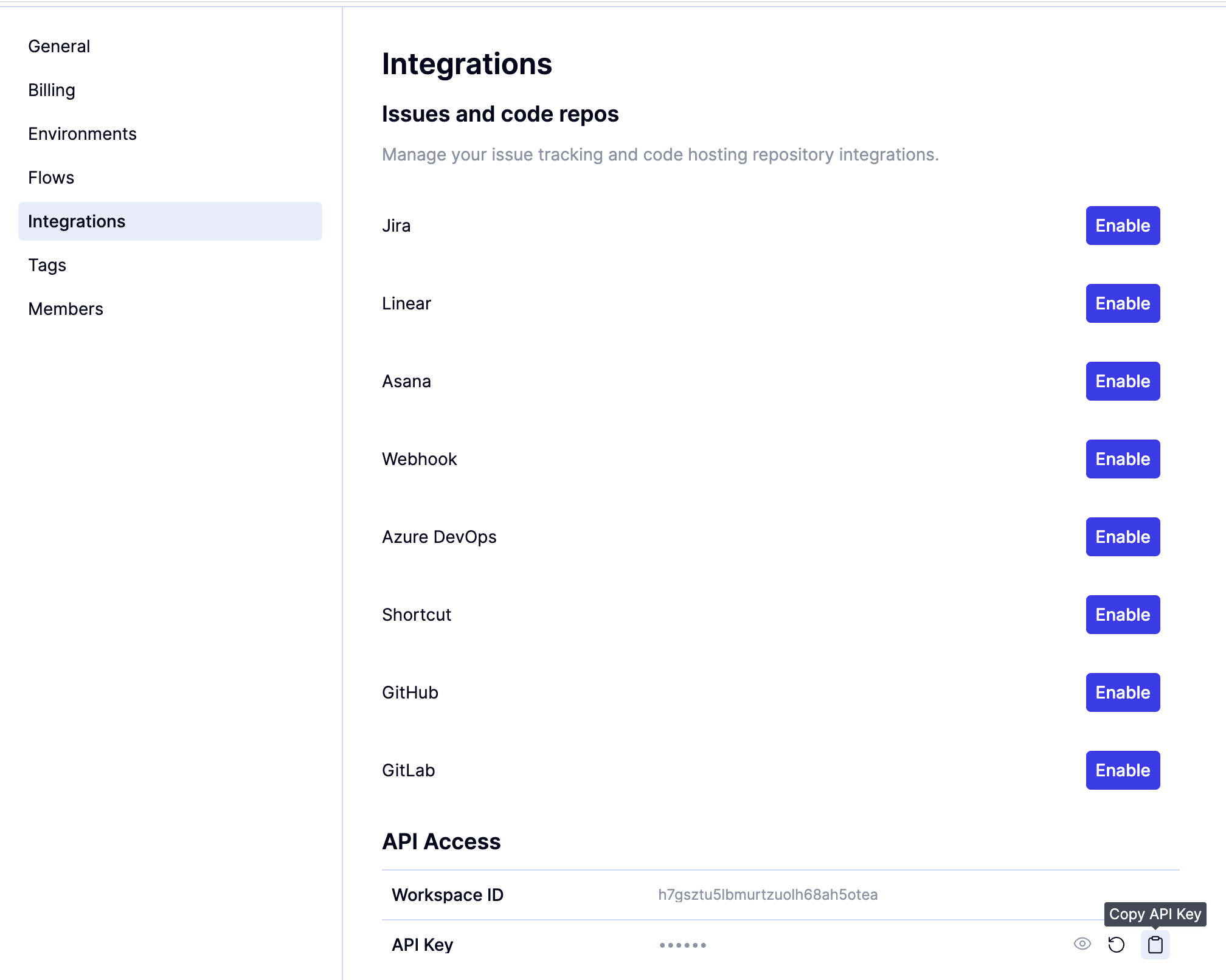
Your user cannot be a member of multiple GitHub orgs.
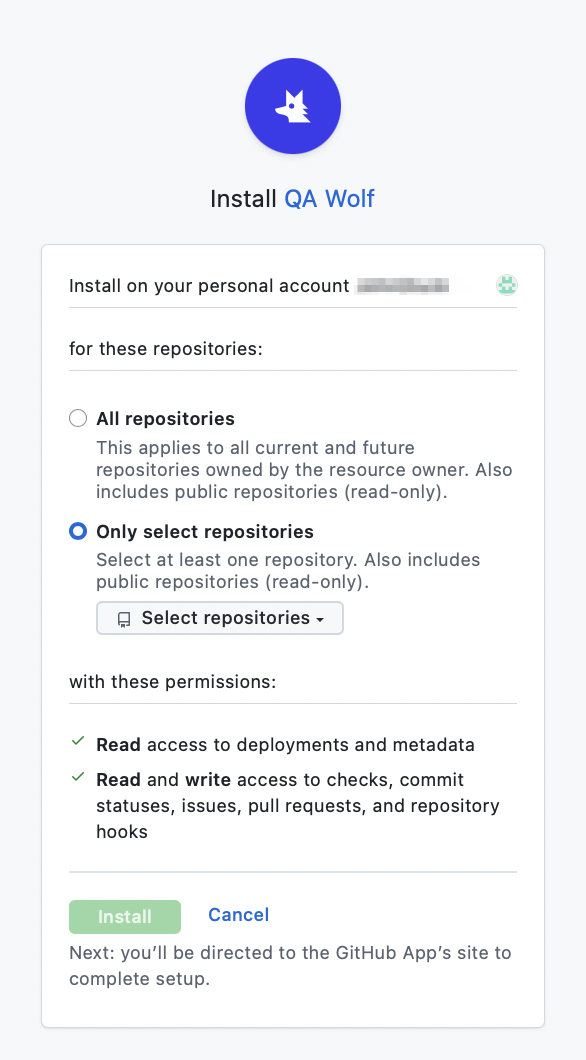
Return to QA Wolf Integrations, and generate your QAWOLF_API_KEY by clicking the icon to the right of API Key under API Access.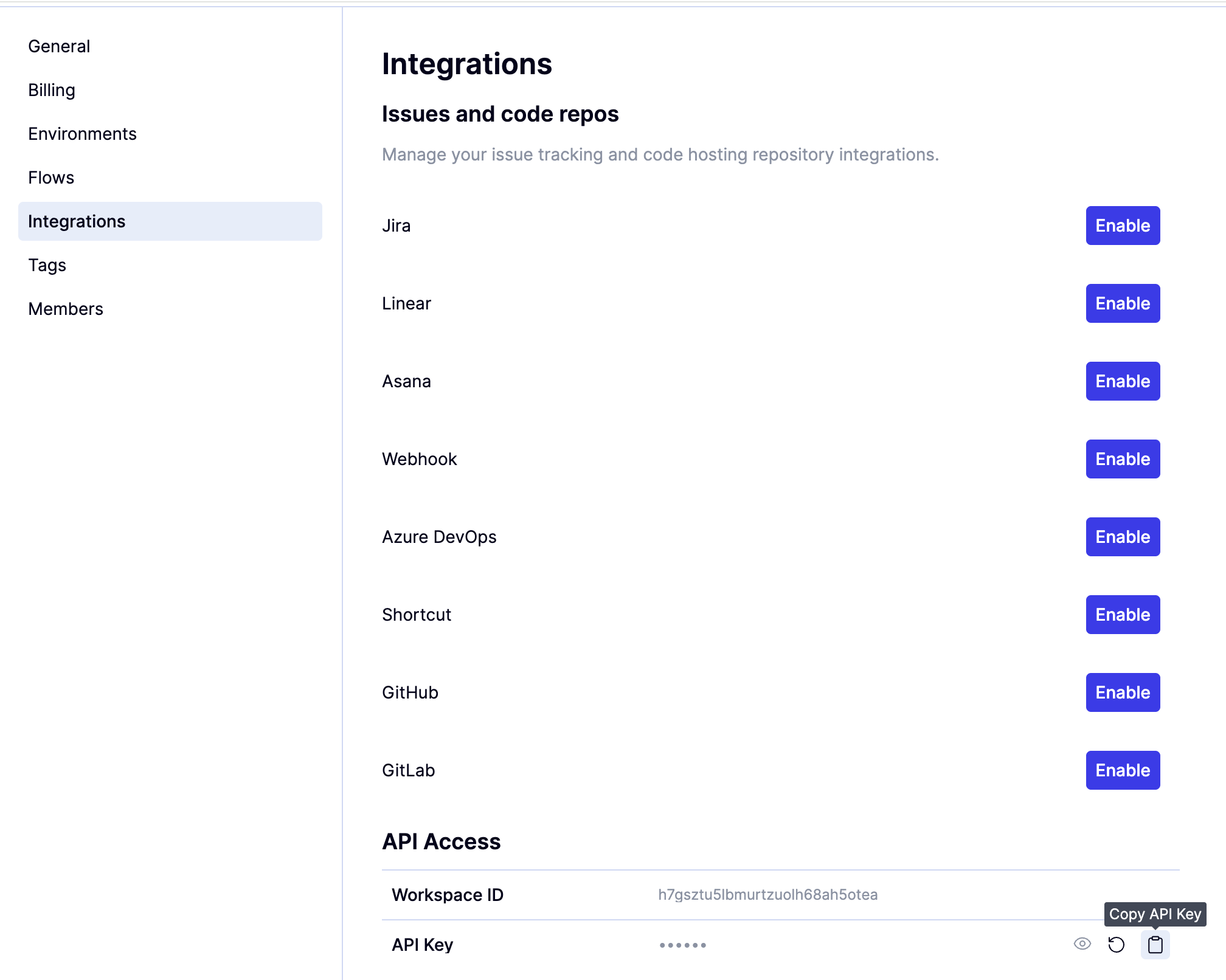
Return to GitHub, go to your repository’s Settings tab, click Secrets and variables, and then Actions.
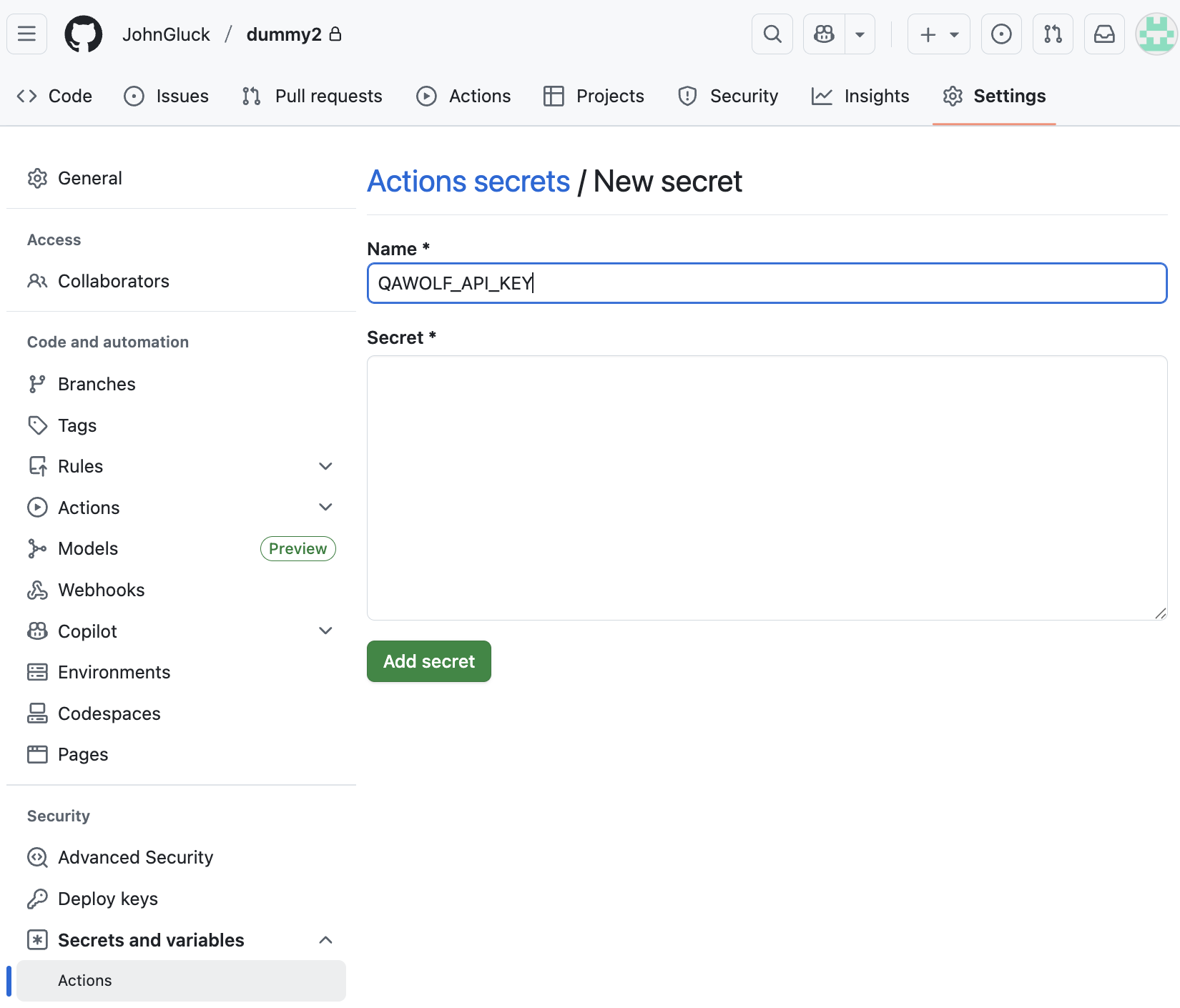
How to: Install the action
How to: Install the action
Installing the action
QA Wolf’s official GitHub Action, Notify QA Wolf on Deploy, will notify QA Wolf whenever a new deployment is ready for testing.This must be done for every repository you want connected to CI/CD.

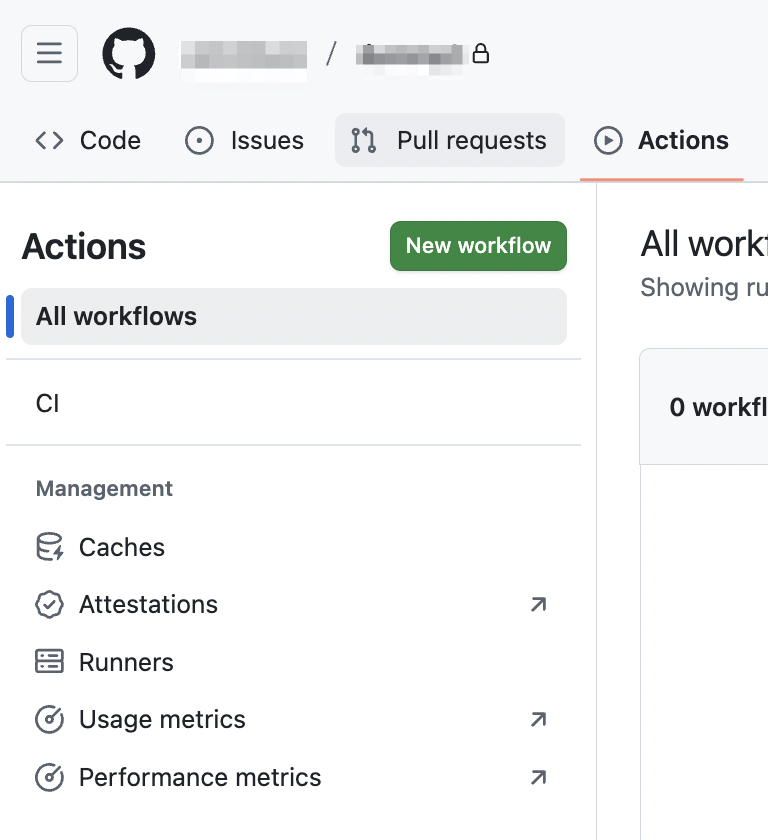
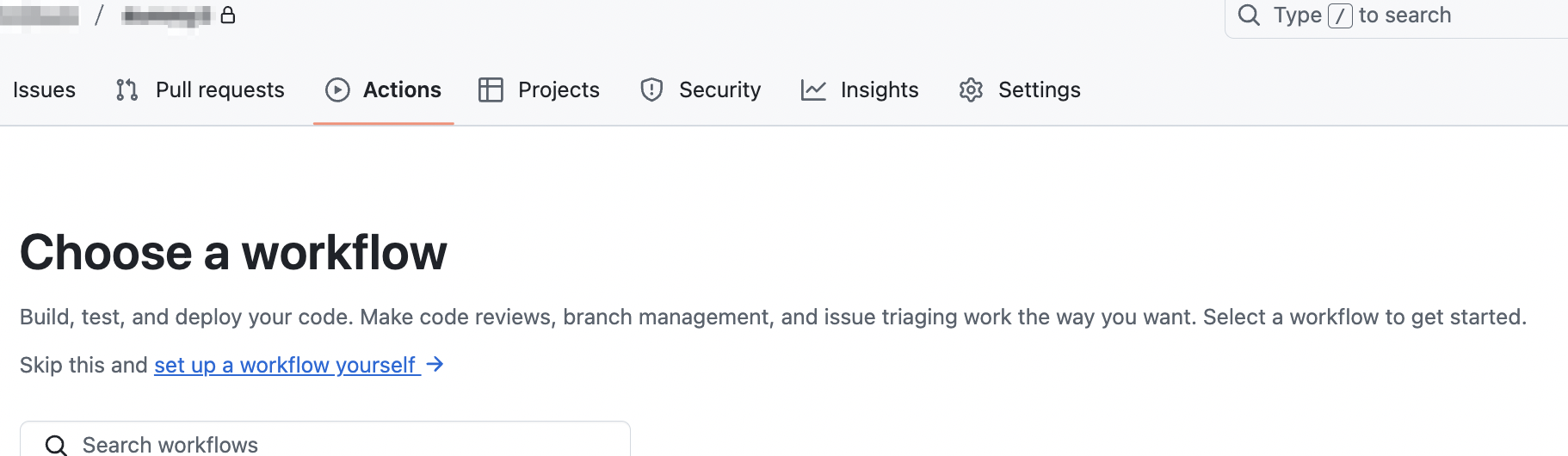
Copy either the example from the Action’s Marketplace page or the example below into your workflow file (usually .github/workflows/deploy.yml). Replace the values in
deployment-type and deployment-url with your actual values.To get the value for deployment-type, reach out to QA Wolf, and we will provide this value for you.