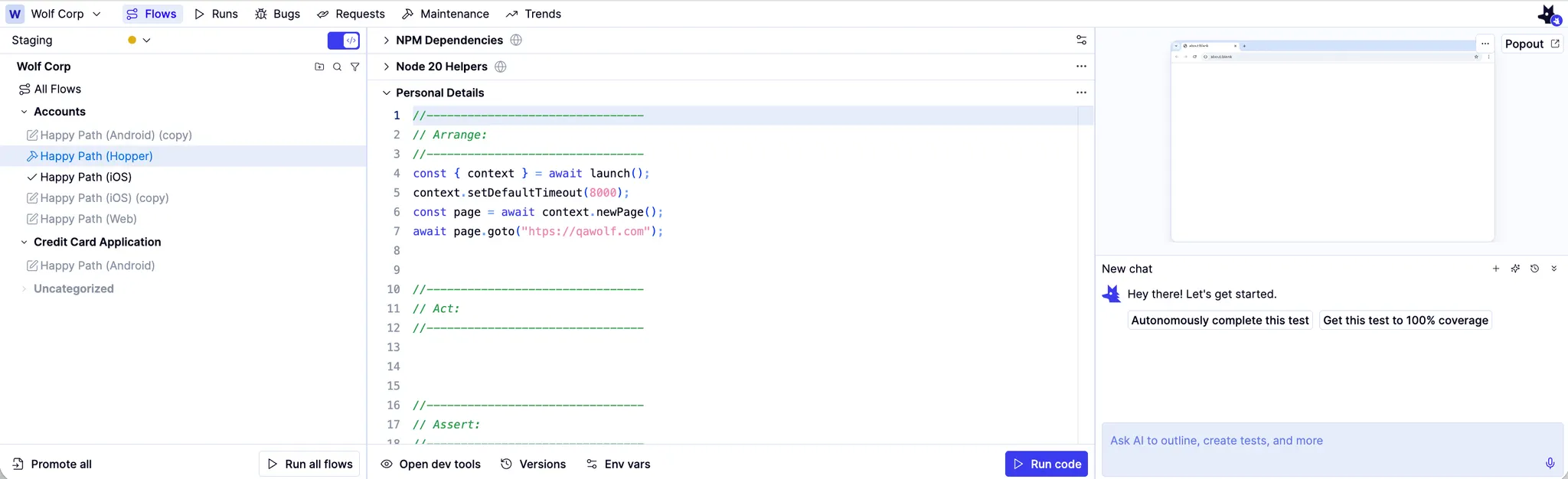
How to: Create flows and tests with the Automation AI ✅
How to: Create flows and tests with the Automation AI ✅
The easiest way to create tests is to use our Automation AI. Automation AI creates tests from plain language.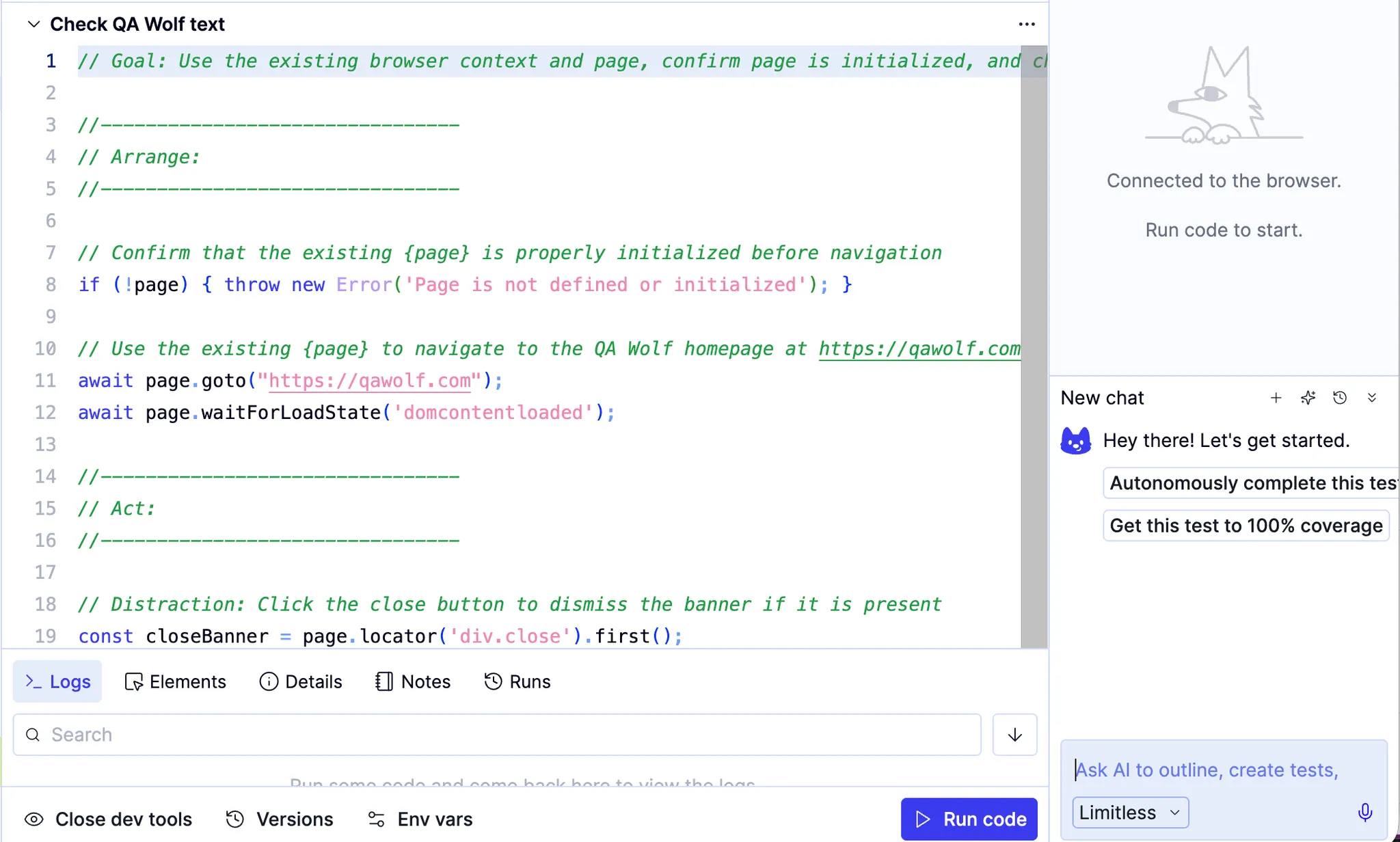
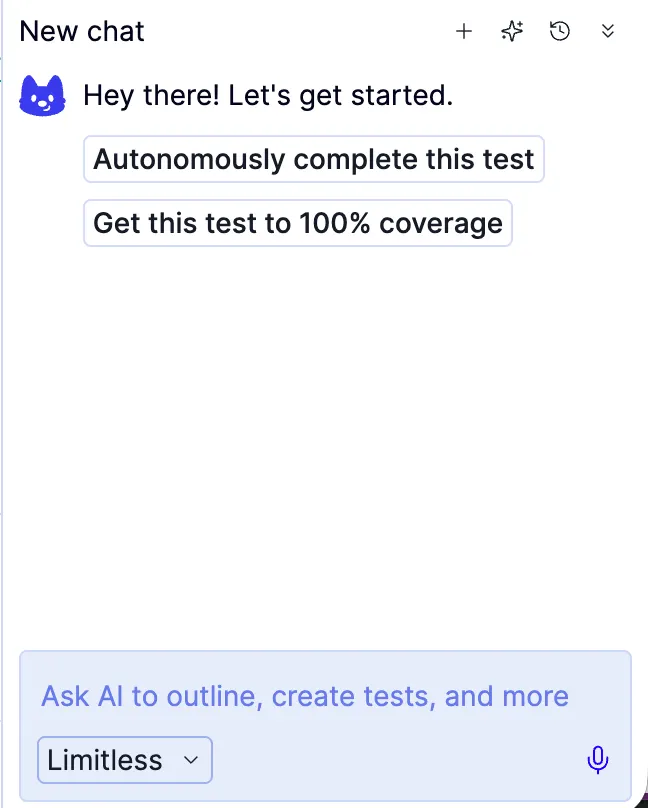
Type a description of a flow
- Type your instructions into the text box in the chat widget. Hit enter.
Speak a description of a flow
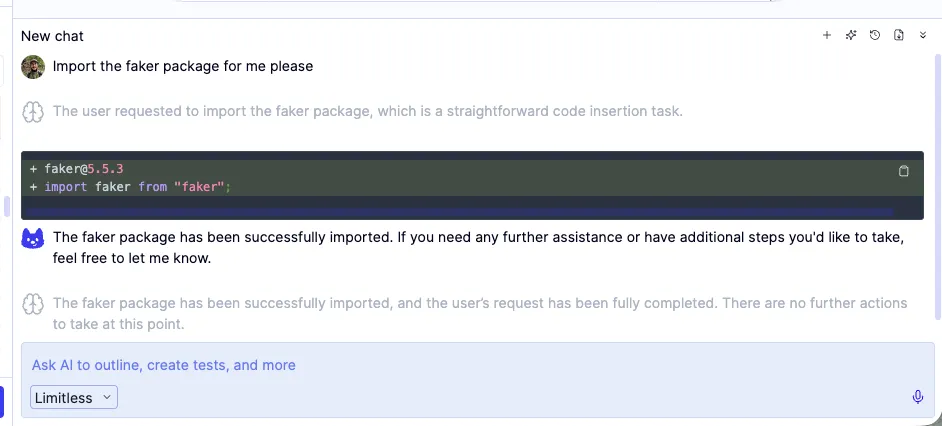
How to: Import a third-party library with AI ✅
How to: Import a third-party library with AI ✅