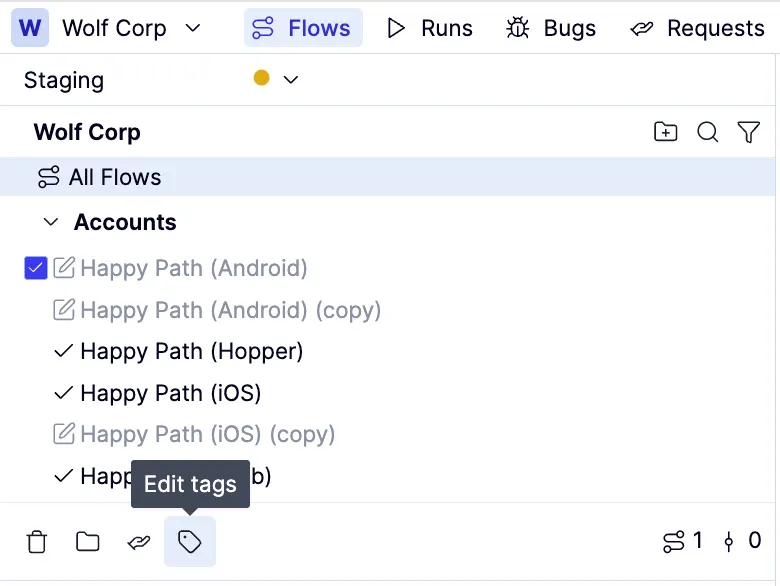
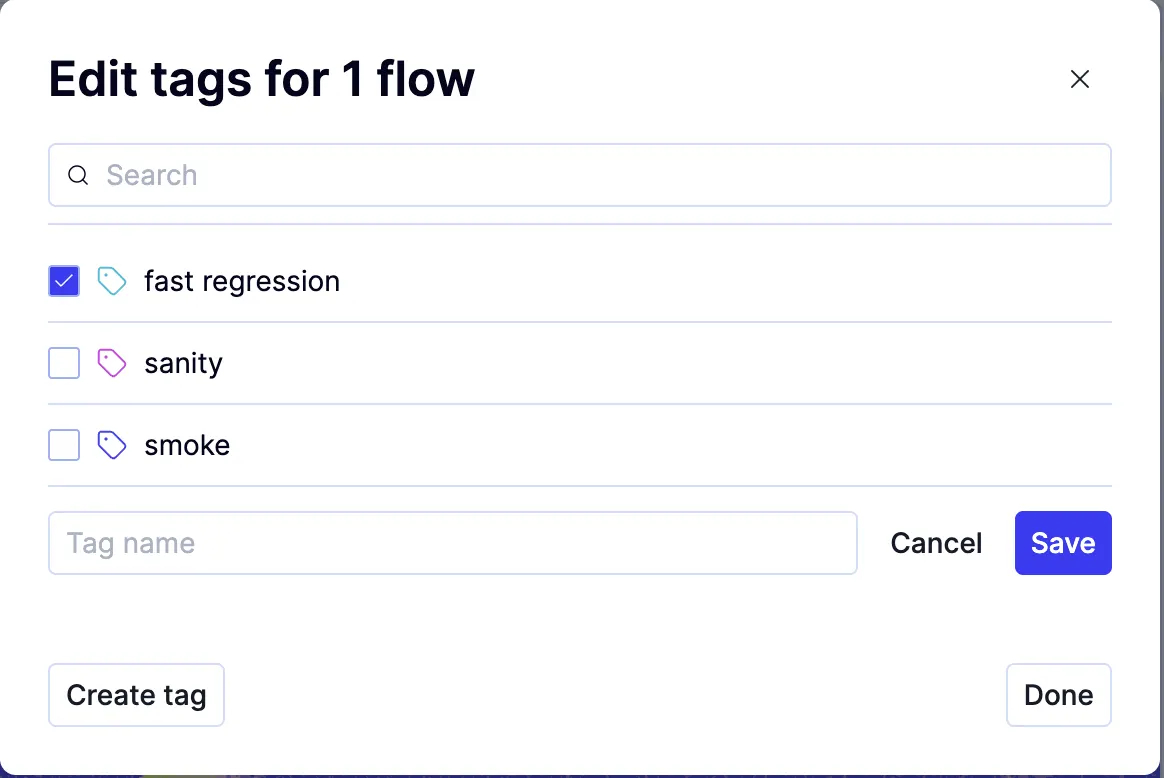
Overview: Using tags the right way
Tags can be used in many ways, but they are primarily intended for scheduling. They let you select which flows run together and describe the characteristics of a scheduled run. Because QA Wolf supports full concurrency by default, using tags to organize flows by feature rarely makes sense. Feature-based tagging is generally only useful when concurrency is limited and execution must be constrained.How to: Apply tags when automating a test
Pre-req:How to create and edit tags