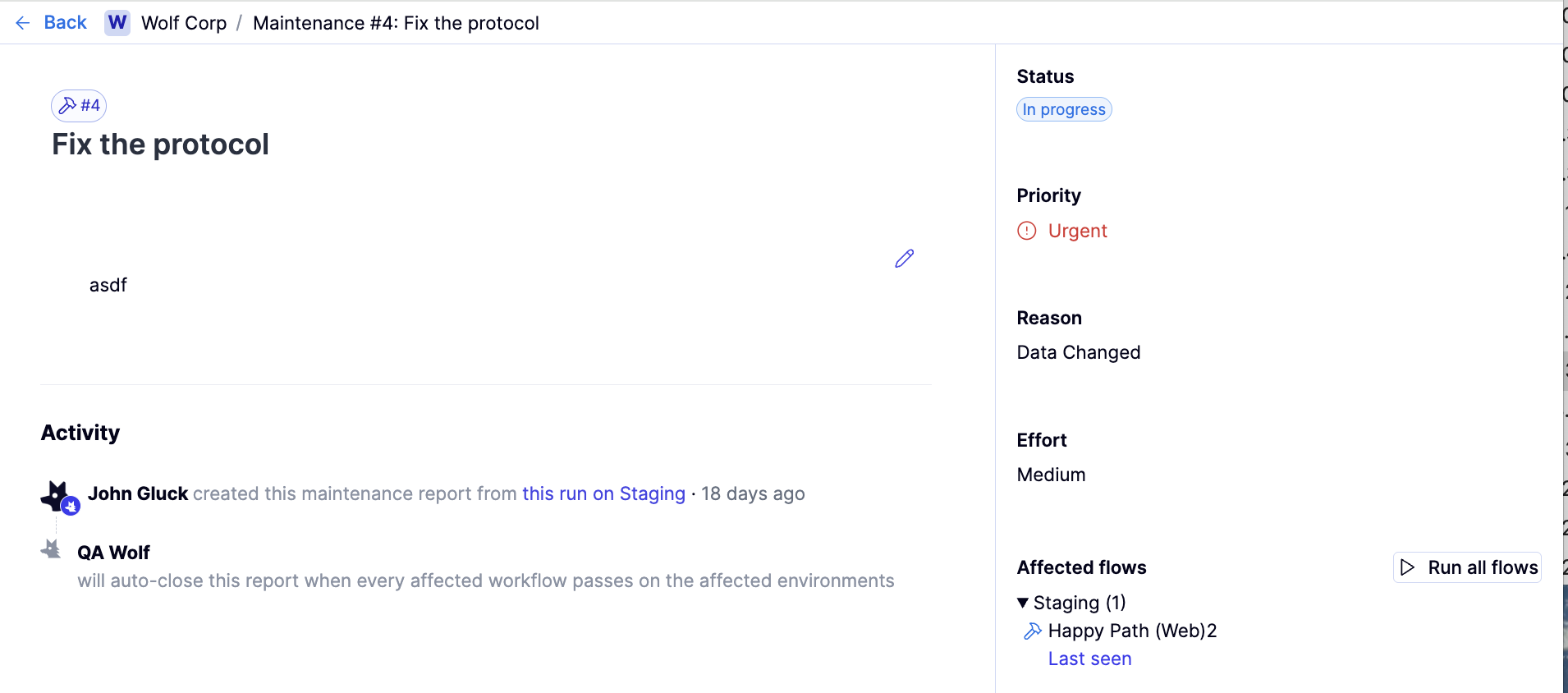
Overview: What is a maintenance report?
Overview: What is a maintenance report?
Maintenance reports track bugs in tests, not bugs in the product. They are used when a failure is caused by incorrect, outdated, or fragile test logic rather than an issue in the application under test.Maintenance reports cannot be created directly from the Maintenance tab. They are created from the Investigation view when reviewing a failing flow.Maintenance reports are linked to one or more flows. While a maintenance report is open, those flows are skipped in scheduled runs. When the flows pass in a manual run, the maintenance report automatically closes, and the flows are included in schedules again.
How to: Create a maintenance report
How to: Create a maintenance report
From the Runs tab, select the environment in the
Type environments list.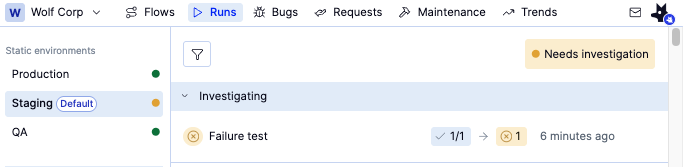
Click the Name field to open a dropdown of existing maintenance reports. As you type, the list autocompletes to help you find a match. Selecting an existing report will add your flow to that report in the Assign flows field belowa. If you need a new report, type its name and press Enter, or choose the top option in the dropdown.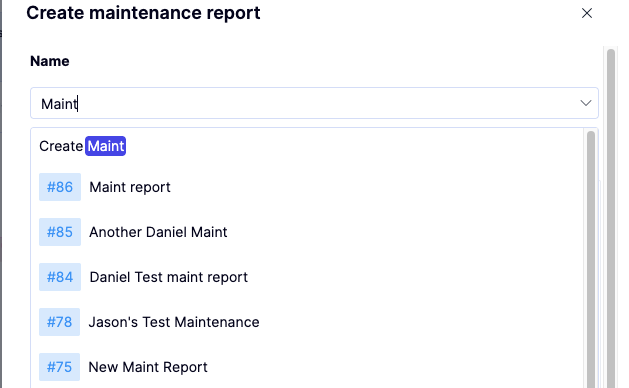
After selecting a name, fill out the remaining form.a. Description: Provide a short explanation of why the flow(s) need maintenance. Use this to outline the issue, what’s outdated or broken, and any relevant contextb. Effort: Estimate the effort required to update or repair the flow(s).c. Priority: Set the urgency for maintenance. Flows associated with higher priority reports appear more prominently in the environment status.d. Reason for Maintenance: Select the appropriate reason from the predefined list—these standard options help categorize and report on maintenance work consistently.e. Environment (read-only): This displays the environment affected by the maintenance. The system automatically populates the field.f. Assigned Flows (read-only): This displays the flows included in the maintenance report.i. New reports automatically include only the flow where you initiated the report.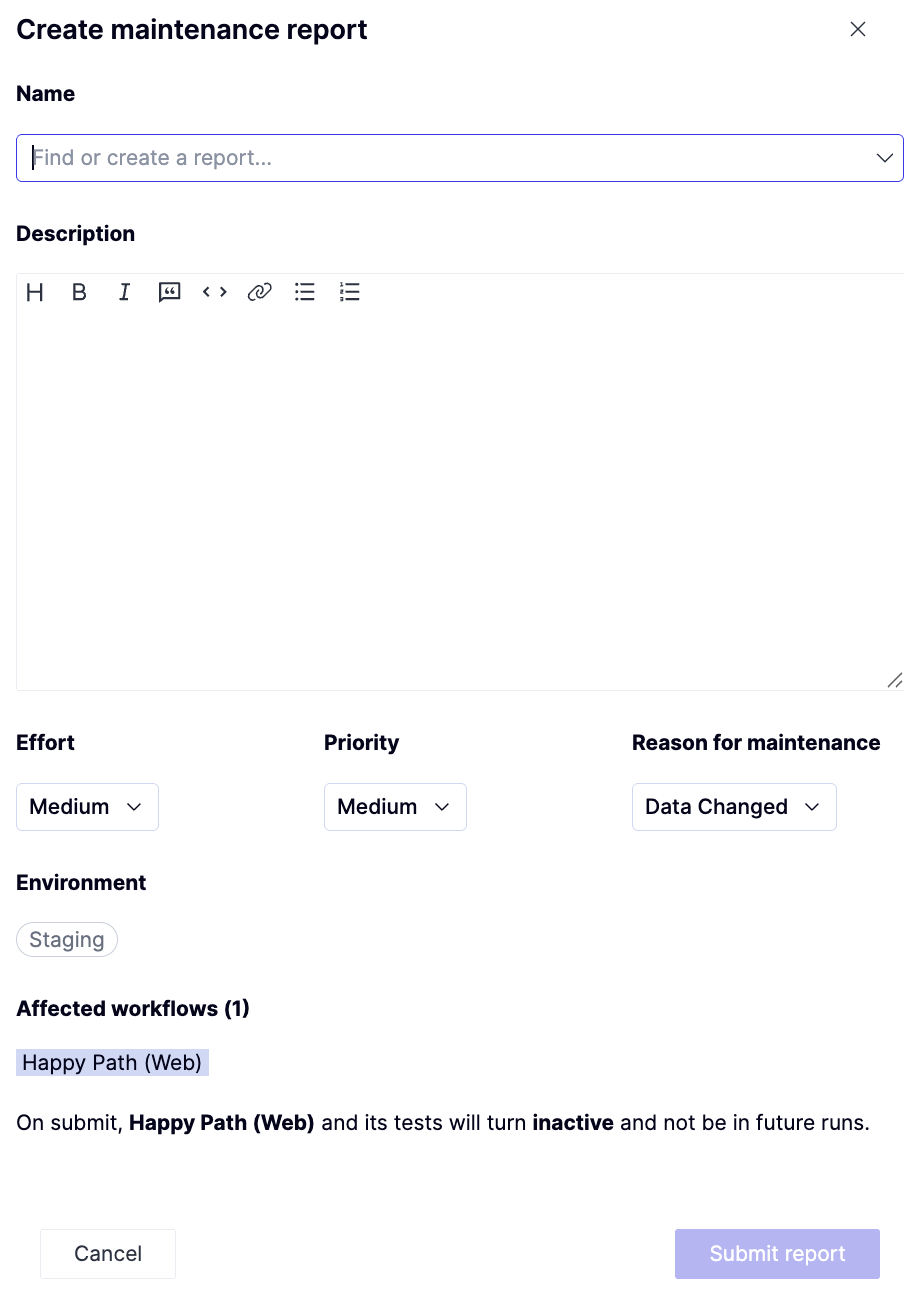
How to: View a maintenance report
How to: View a maintenance report
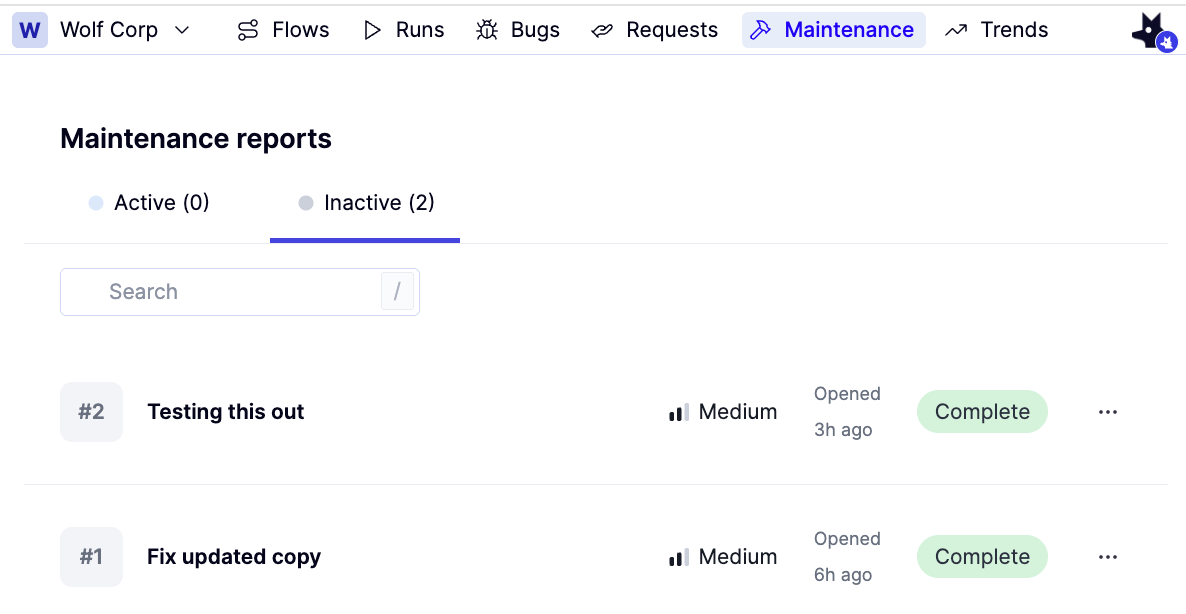
- To view all maintenance reports, open the Maintenance tab.
-
The tab includes two subtabs:
- Filter by readiness status
- Search by report name.
How to: Close a maintenance report
How to: Close a maintenance report
A maintenance report must be closed manually. When you fix a test with an open maintenance report: