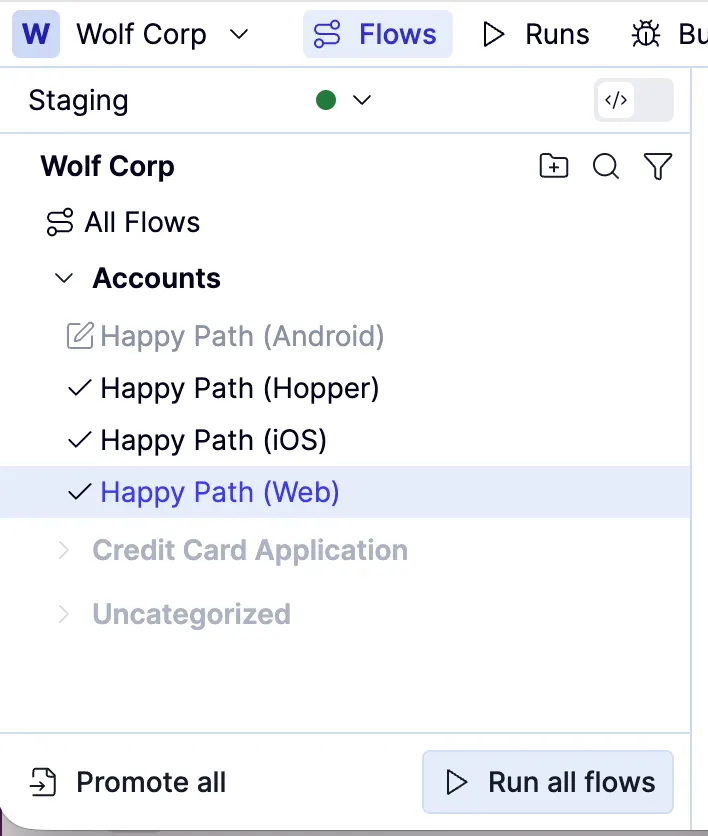
Try out your test
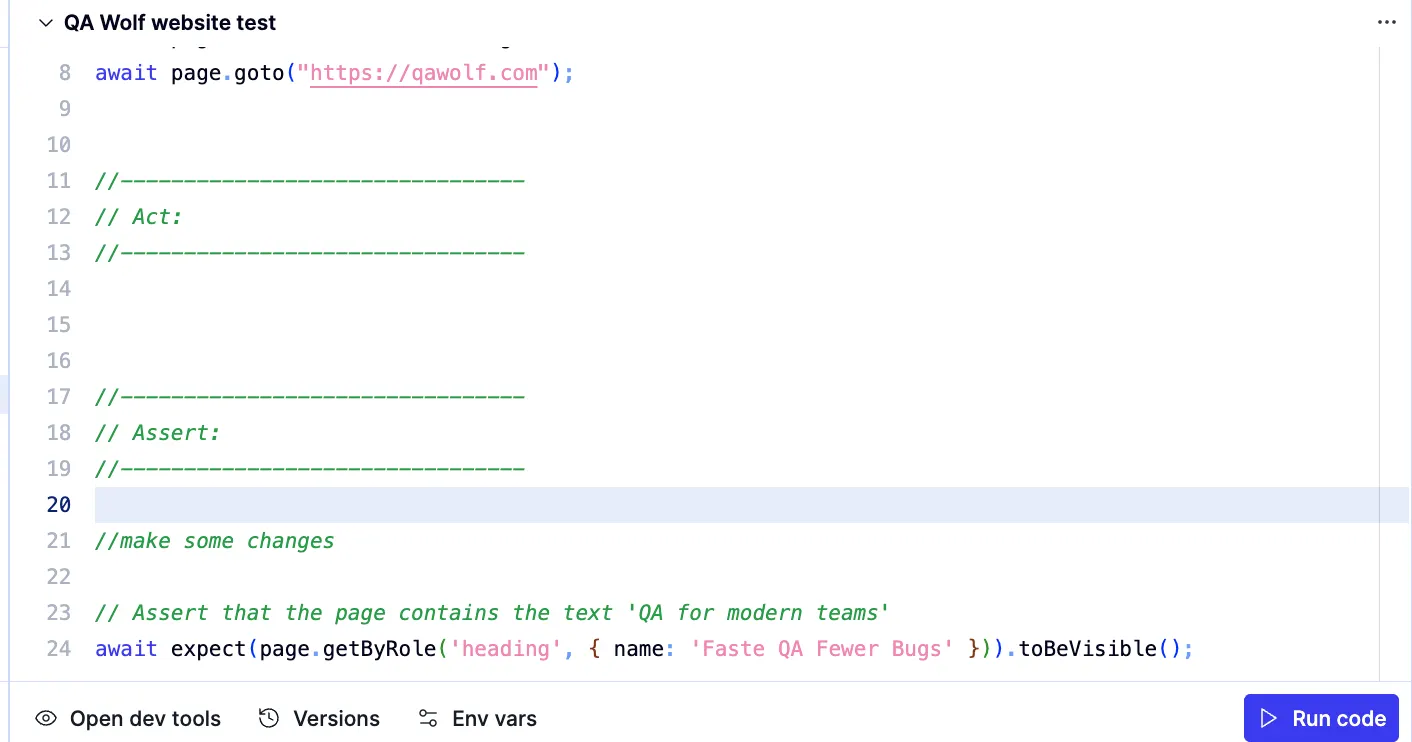
Debugging tests
If your test fails, a red Flow failed banner appears at the top of the editor. The failed line is highlighted in red to make it easy to spot.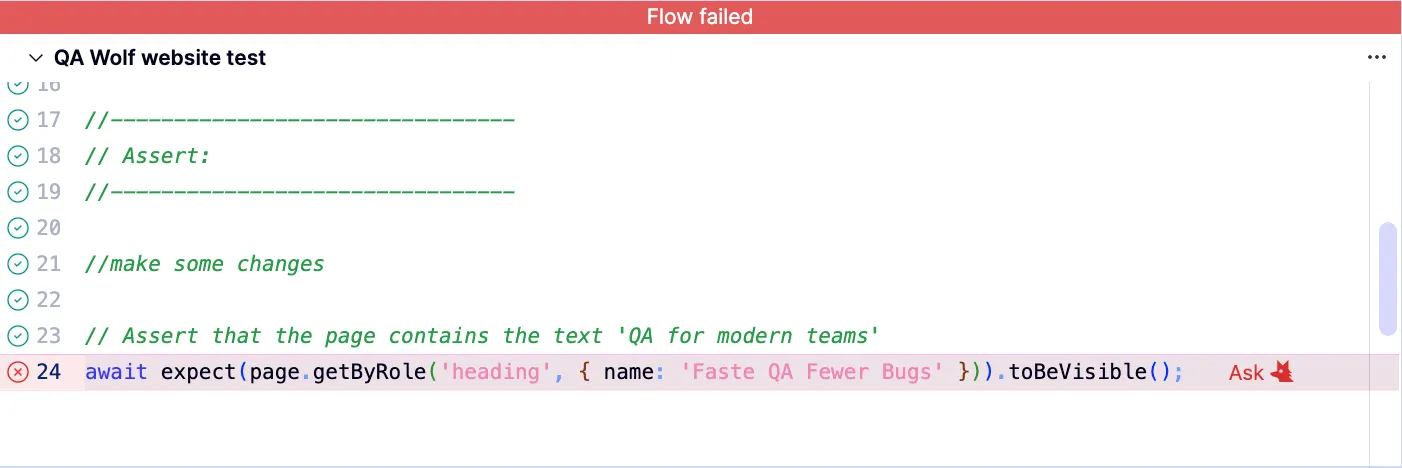
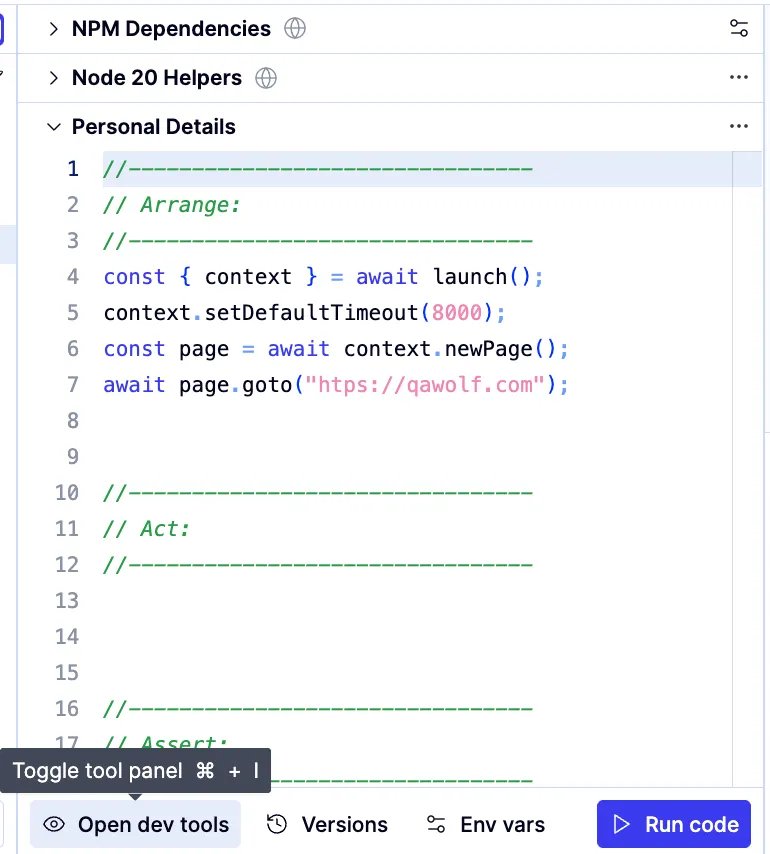
Make the appropriate changes.QA Wolf allows you to execute only selected lines of code to expedite debugging. Reset the app state in the browser, highlight the selected lines, and click Run.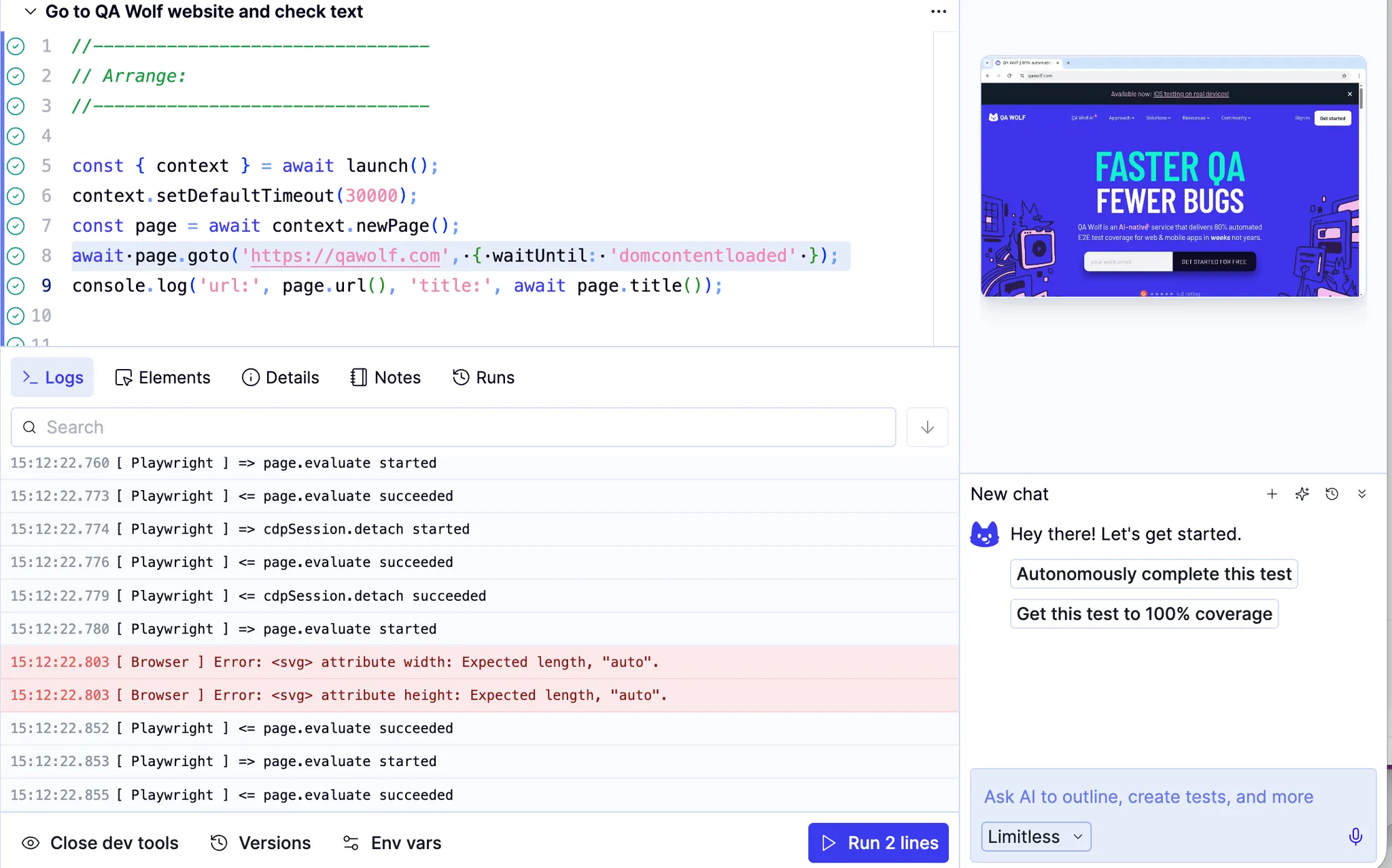
Re-execute the test. Green checkmarks also appear next to each line of code that ran successfully. When the test runs successfully from start to finish, a green Flow passed banner appears at the top of the page.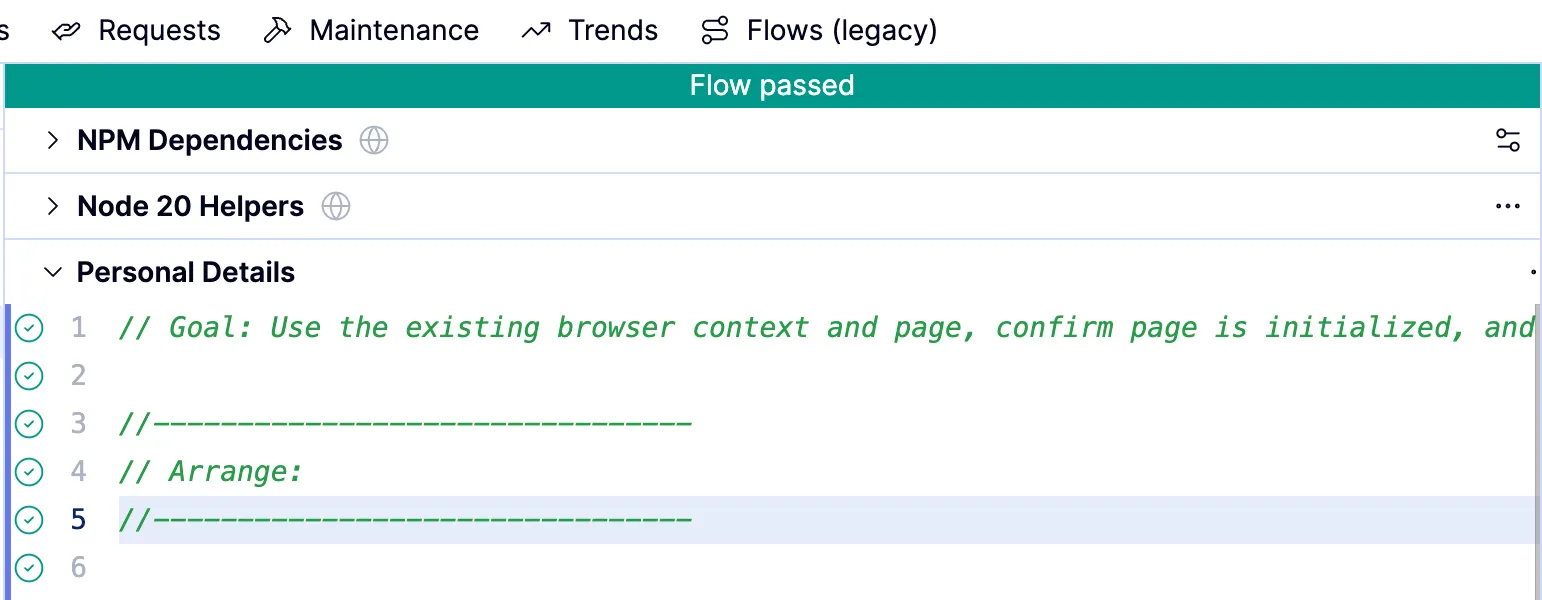
A manual run is a flow run—rather than a test run—started from the Flows tab’s Run all flows. It’s considered manual because it isn’t scheduled
Executing the whole flow
Once a test passes on its own, run the entire flow. This can surface issues that don’t appear when the test runs in isolation.