

- The flow passes on a subsequent attempt, including when a temporary environmental issue resolves.
- The flow is fixed, and the updated version is applied to the run.
- The underlying application issue causing the failure is fixed.
- A maintenance report is filed, preventing the flow from being included in runs until it is fixed.
How to: Reattempt a failure caused by a flake
How to: Reattempt a failure caused by a flake
Reattempting all failures in a run is appropriate when all failures in the run are believed to be caused by a bug or a temporary environment glitch.
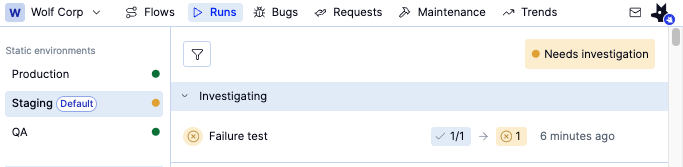
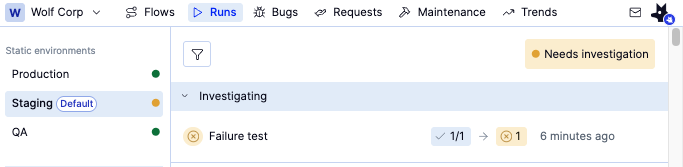
Open the Runs tab and click the run that is in Investigating or Failed status. This will open the Investigation view
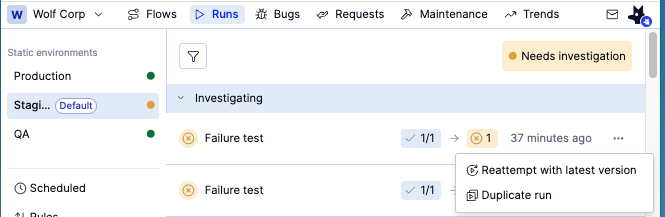
Choose Reattempt with latest version. This will take you to the investigation view and run only the failed flows. Use this option when you want to quickly check that the suspected temporary glitch has resolved
How to: Bypass a failing flow to clear a release
How to: Bypass a failing flow to clear a release
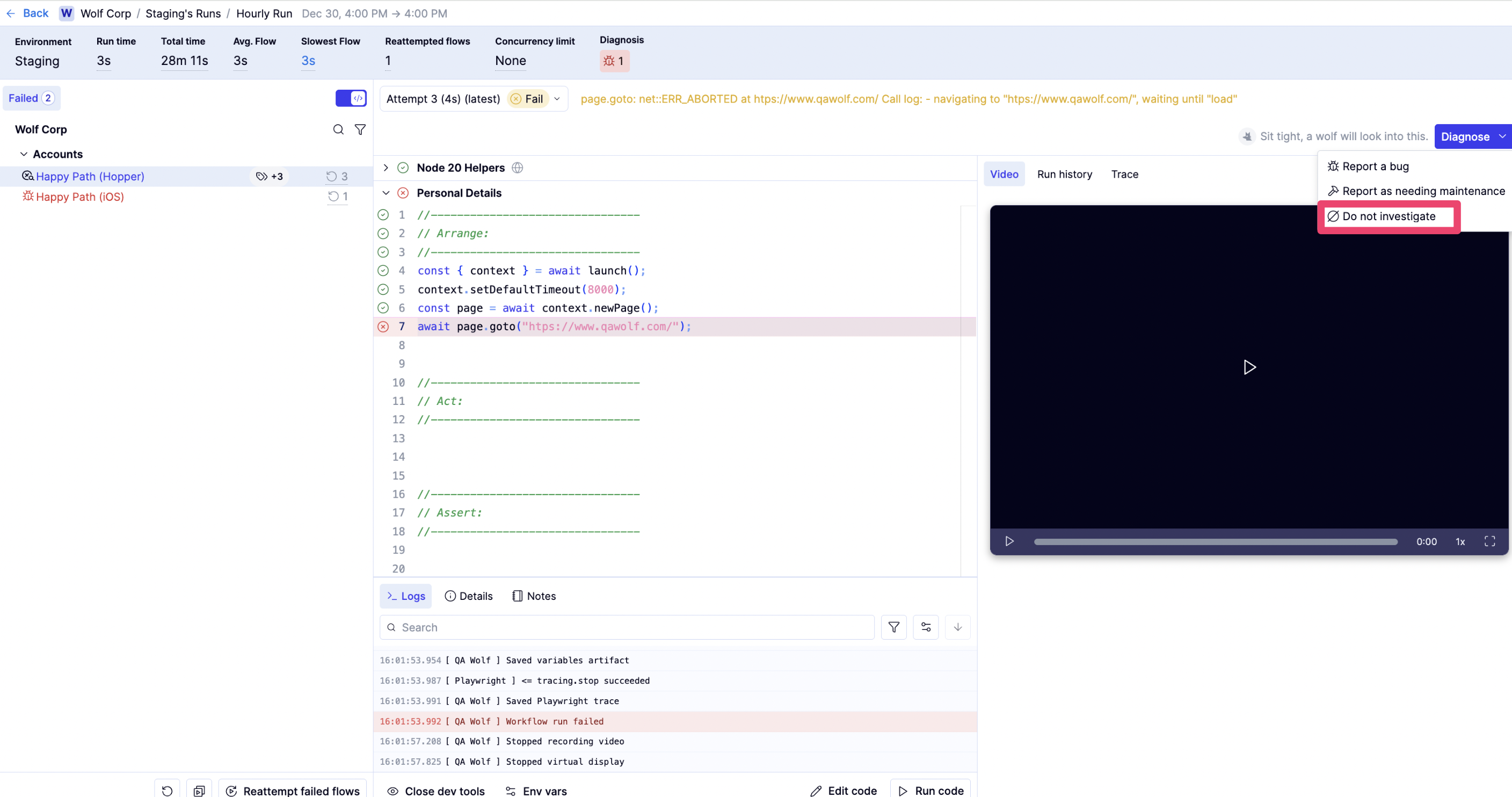
Bypassing a failed flow is appropriate when the failure is understood and should not block the release, even if the flow has not passed (e.g., an understood failure in a third-party dependency). Bypassing does not fix the flow or the underlying issue. Instead, it records that the failure has been reviewed and does not require further investigation for the current release.To bypass a failed flow:
Once a failed flow is marked as Do not investigate, it is considered resolved for the run. When all failed flows in the run have either passed or been bypassed, the run transitions to Completed.
You can also find Diagnose by hovering over the failing flow to show the icon, then clicking it to show the icon. Diagnose will appear below the Flow list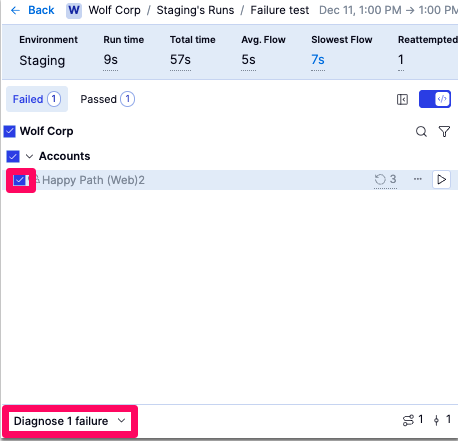
How to: Repair a broken test using AI to unblock a release
How to: Repair a broken test using AI to unblock a release
When the flow fails, click the Ask  next to the failed line to get AI help analyzing and updating the code. AI will make changes to your code in place and show its reasoning in the right panel.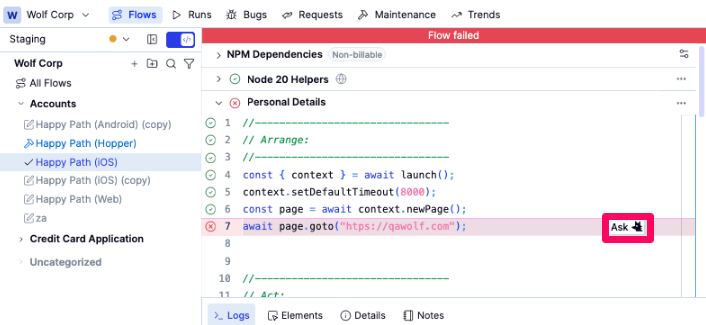
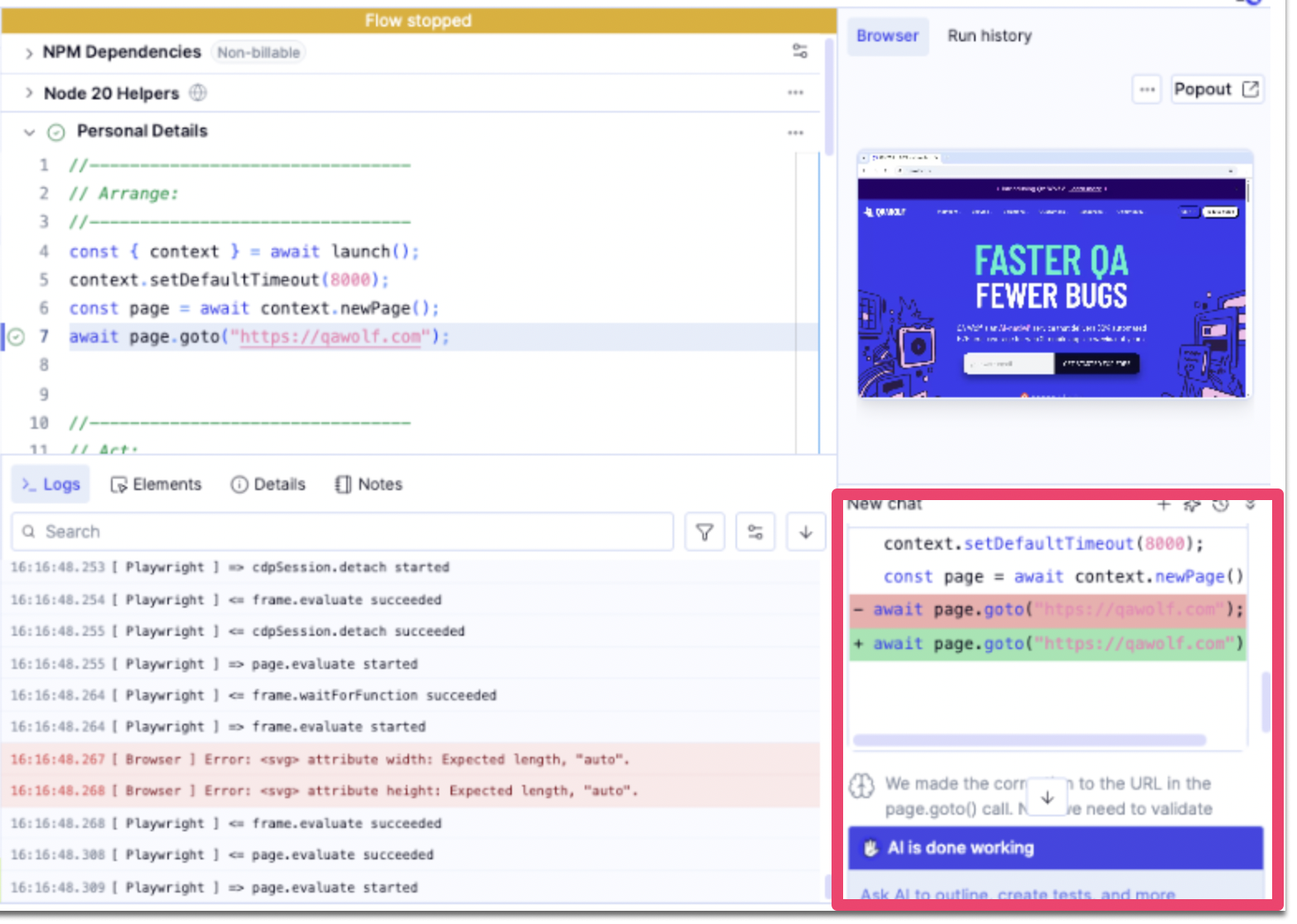
next to the failed line to get AI help analyzing and updating the code. AI will make changes to your code in place and show its reasoning in the right panel.When satisfied with the changes, review and publish your changes.
See also: Clearing the release when there's a bug in the app or test that can’t be fixed immediately
See also: Clearing the release when there's a bug in the app or test that can’t be fixed immediately
Some failures represent real issues but are not practical to fix during the current release. In these cases, the appropriate action is to document the work required and allow the release to proceed.Follow-up work generally falls into two categories:For bugs
- File a bug report When you file a bug report, the severity is used to display warnings about the safety of a given release.
- File a maintenance report This prevents the flow from being executed in runs until it is fixed, which resolves the investigation state without requiring an immediate fix.