Logs tab
The Logs tab displays output from executed code, including errors and console log messages.
Details tab
The Details tab provides a read-only summary of a completed test flow, including its overall result, timing, and detailed stage performance.
Notes tab
The Notes tab allows users to leave context for others. Add a new note by hovering over the icon, typing your note, and pressing Enter.
Runs tab
The Runs tab shows the flow’s attempt history.
From the Flows list on the Flows tab, choose a failing flow you want AI to fix
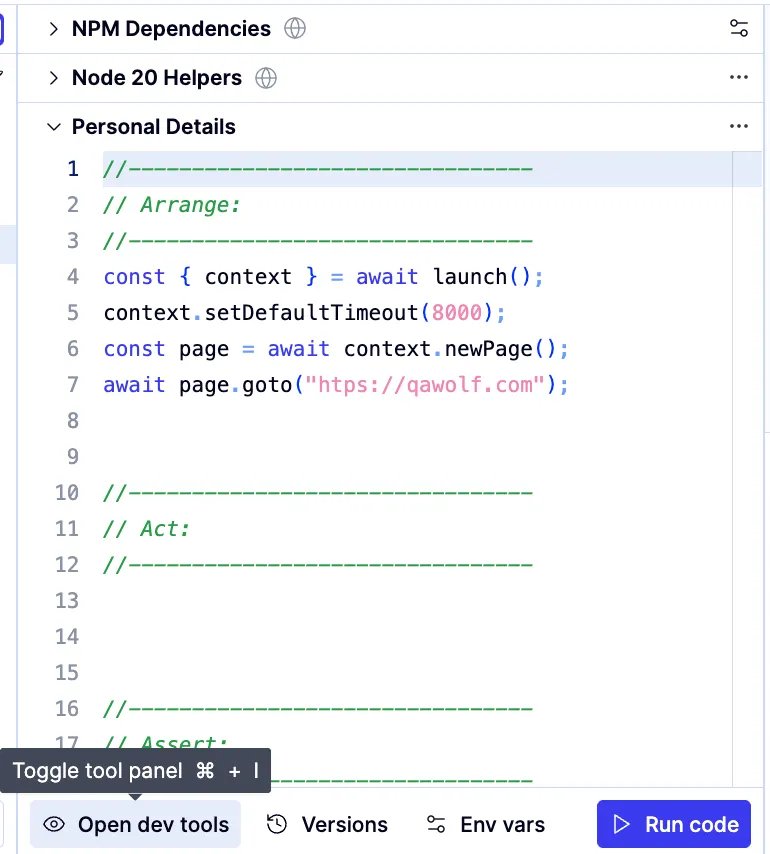
If the dev tools are closed, click Open dev tools. The dev tools appear below the editor window. Last modified on February 9, 2026