Go to https://dev.azure.com/ ORGANIZATION_NAME/_settings/organizationPolicy — ORGANIZATION_NAME is your Azure DevOps Organization name.Because QA Wolf connects to Azure DevOps using OAuth, you must enable Third-party application access via OAuth.

If Third-party application access via OAuth is disabled, an Azure DevOps organization owner must enable it before QA Wolf can be authorized. If you are not an organization owner, contact your Azure DevOps administrator.
1
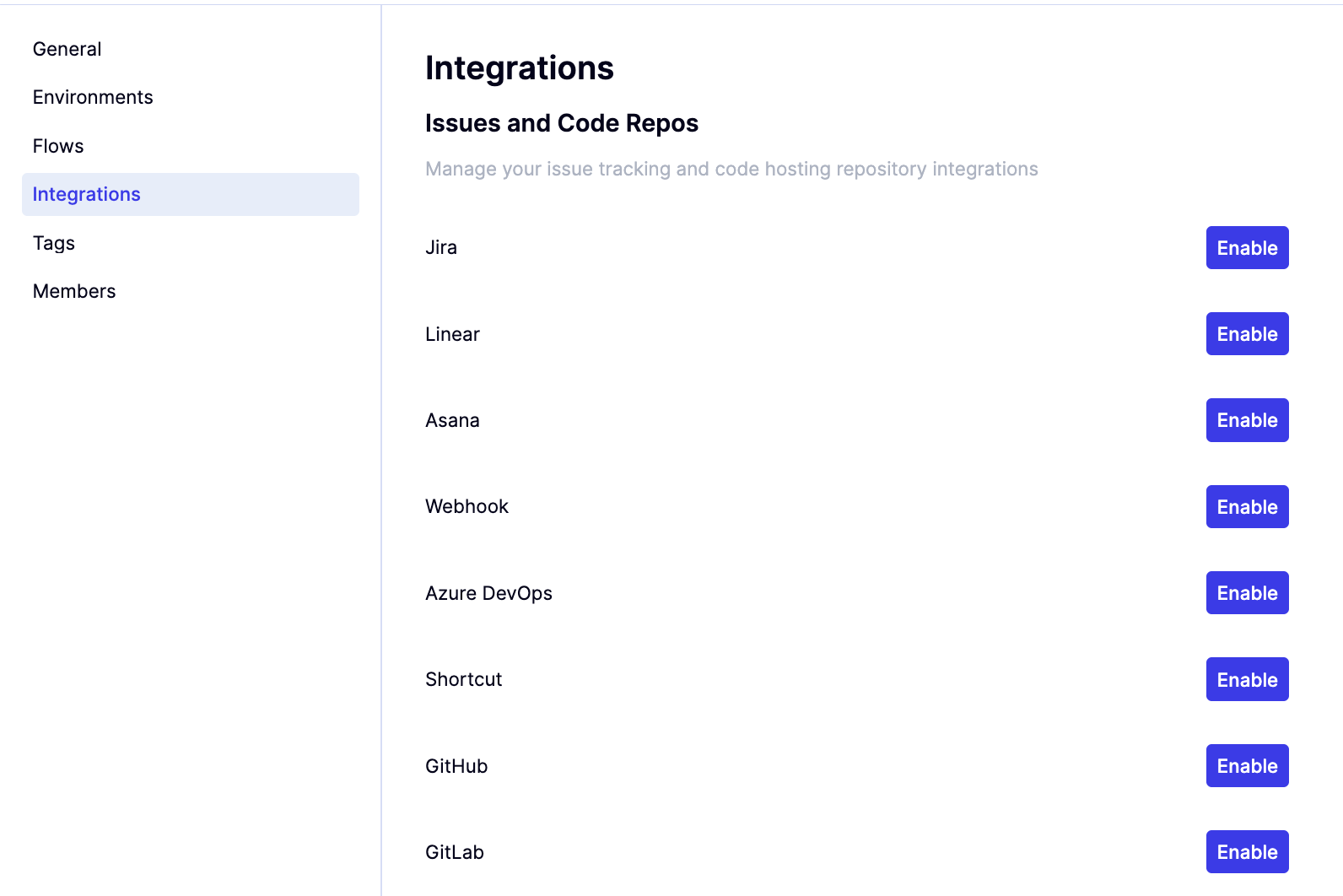
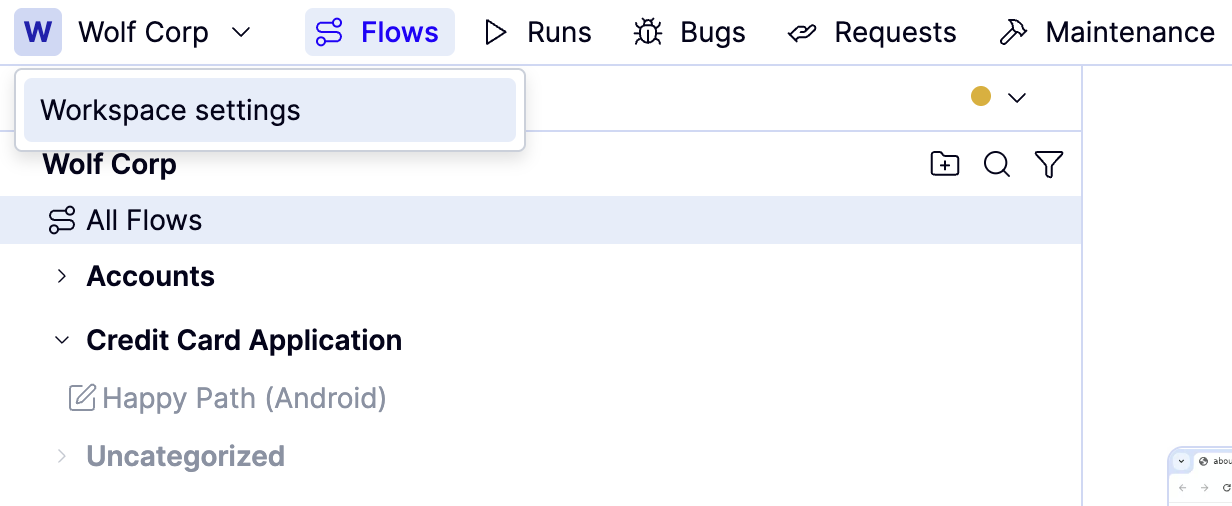
Select Workspace settings from the Workspace name dropdown above the flows list.
2
Click Integrations from the left-side navigation bar.
3
Click Enable next to Azure DevOps
4
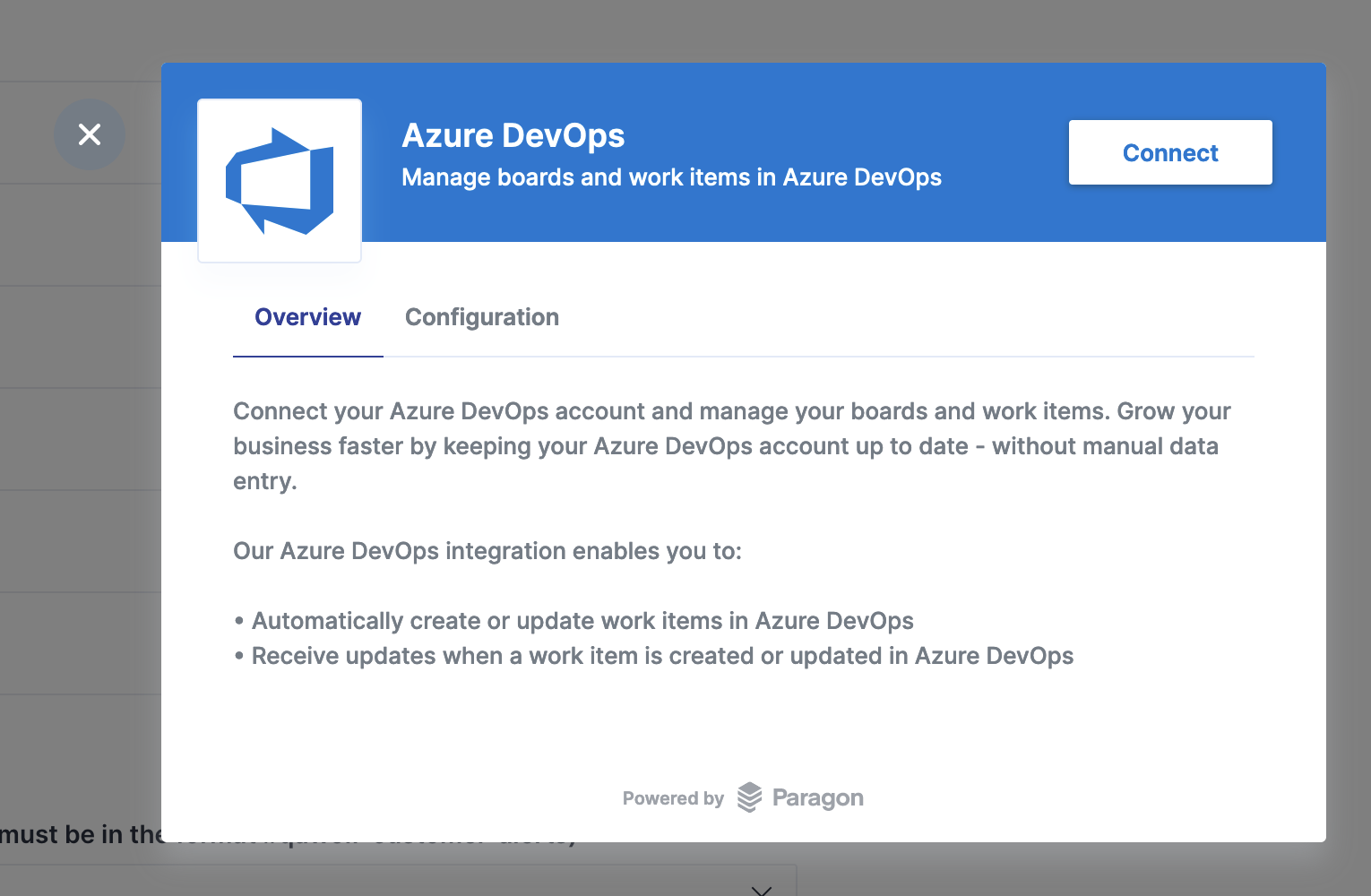
Click on the connect button.
5
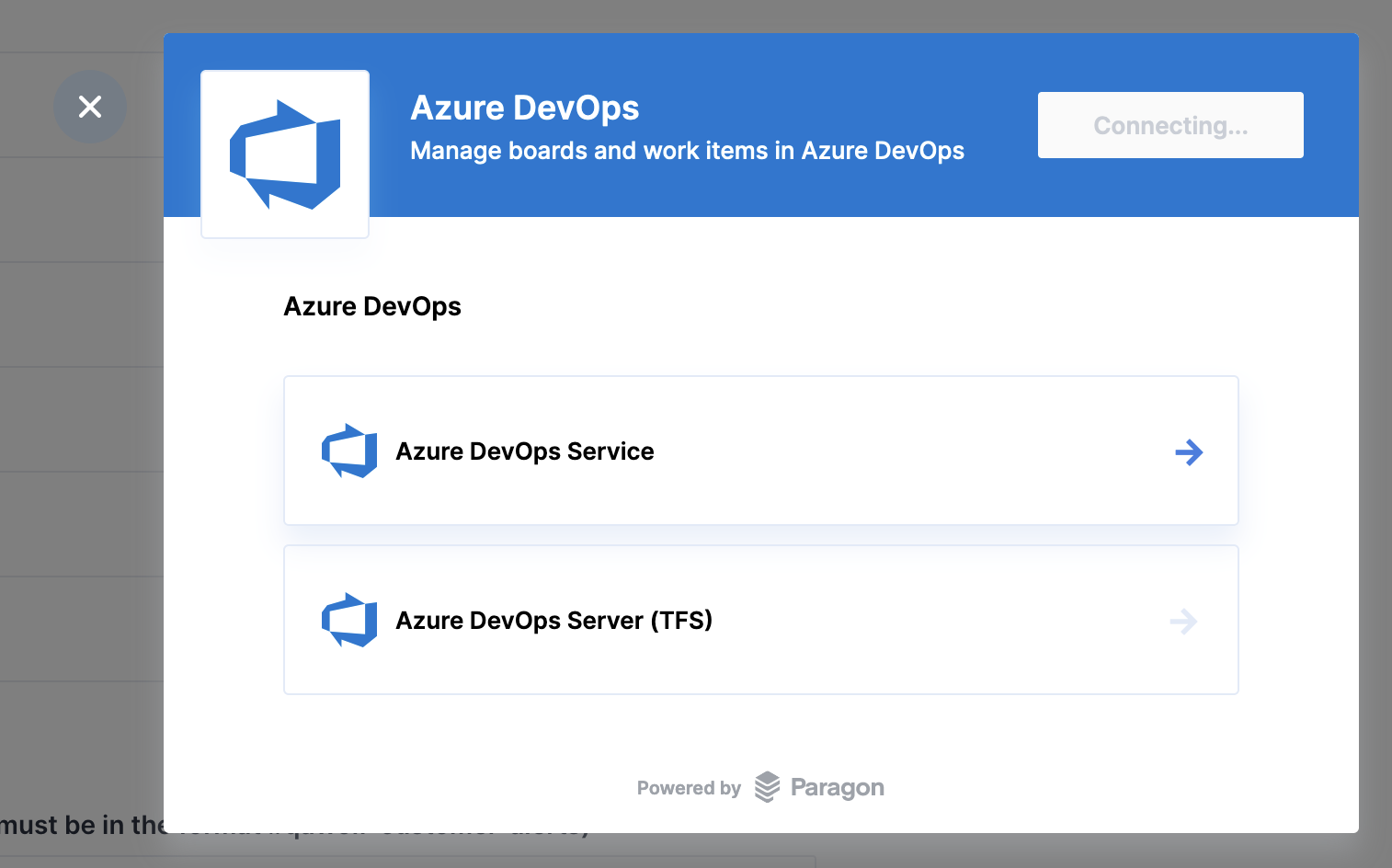
Select Azure DevOps Service.
6
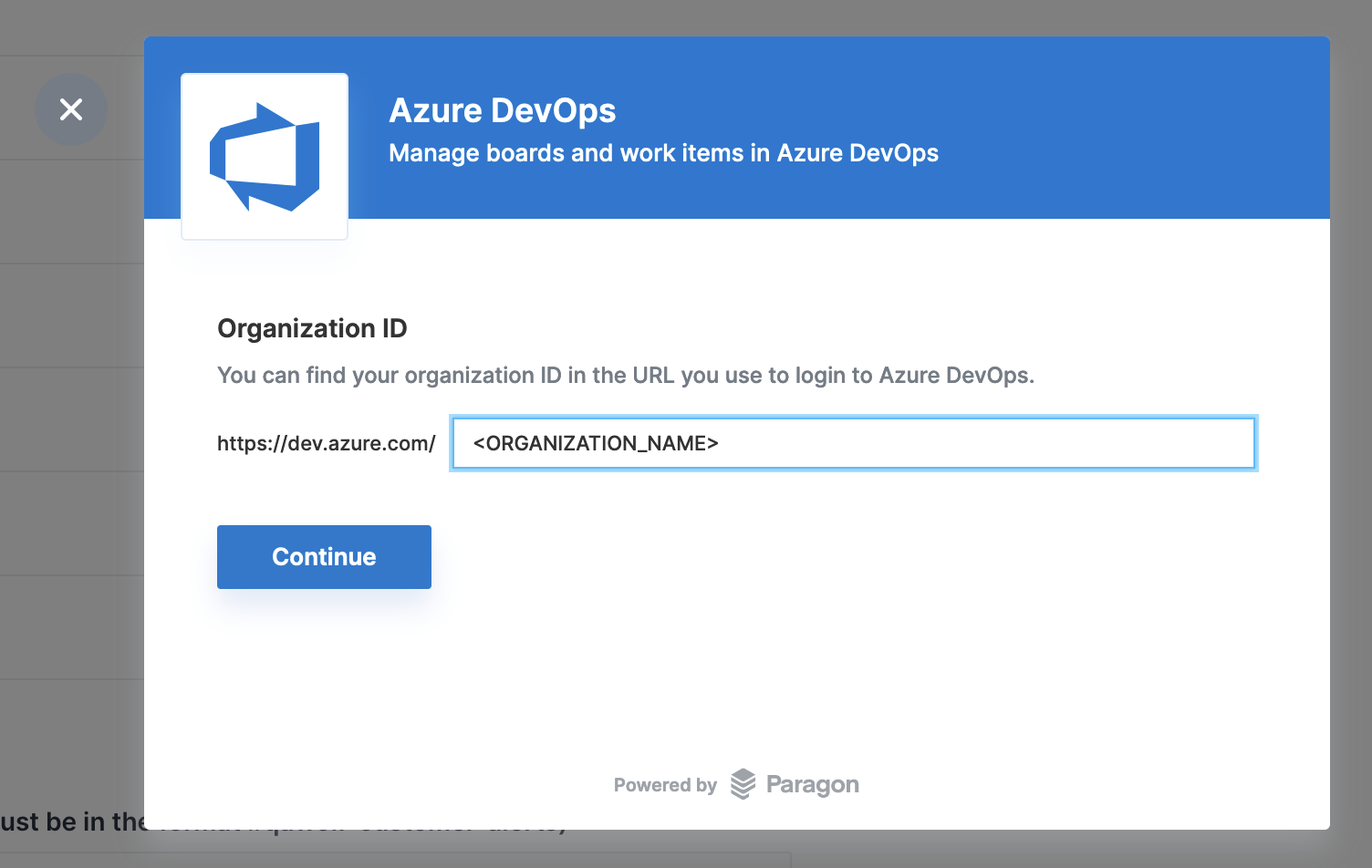
Enter the Azure DevOps Organization name and click Continue.
7
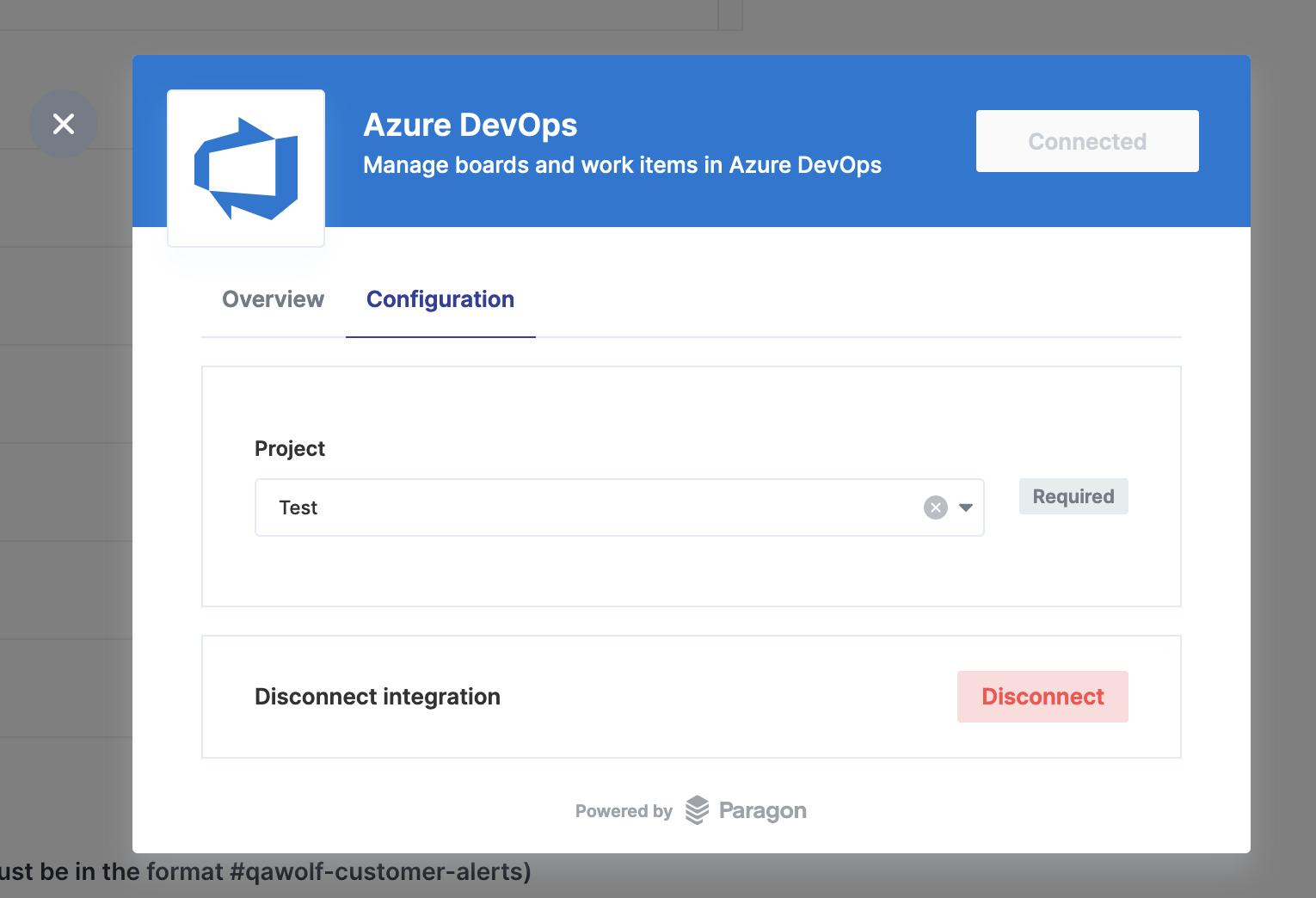
Click Configuration, then select the target project from the dropdown.
  • Click Disconnect at any time to disable the integration.
Last modified on February 9, 2026