

How to: Set up the integration
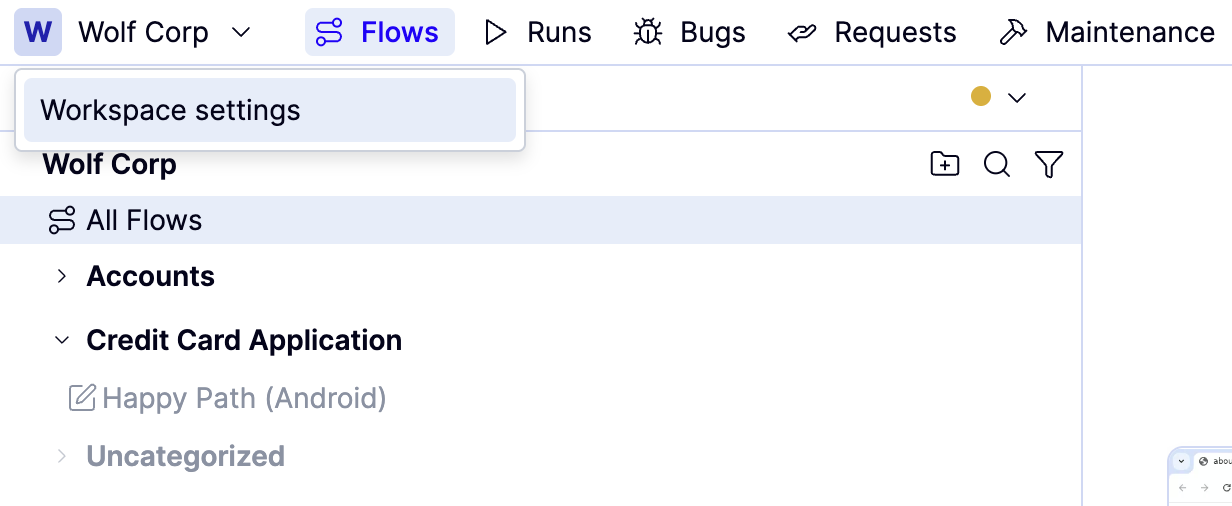
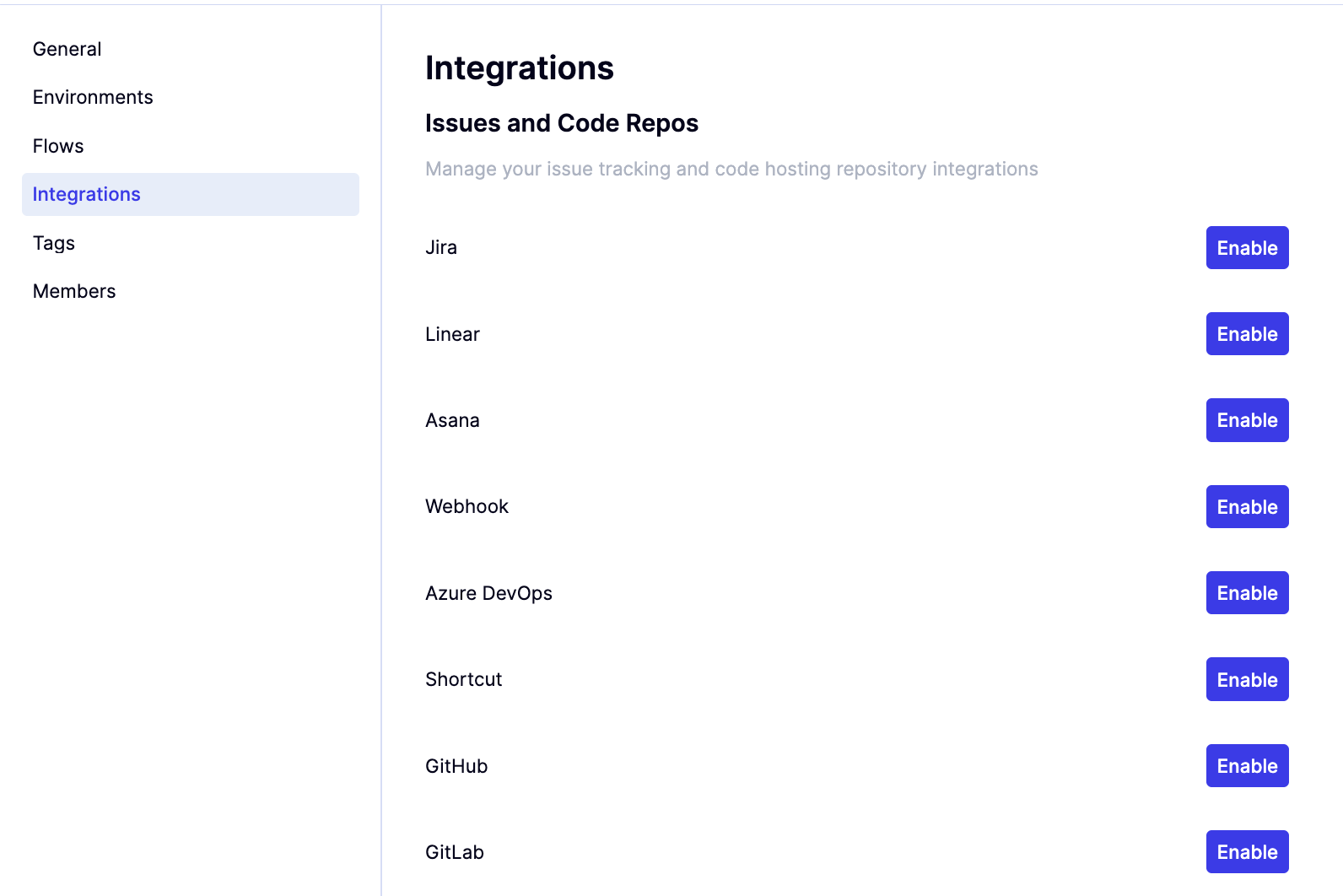

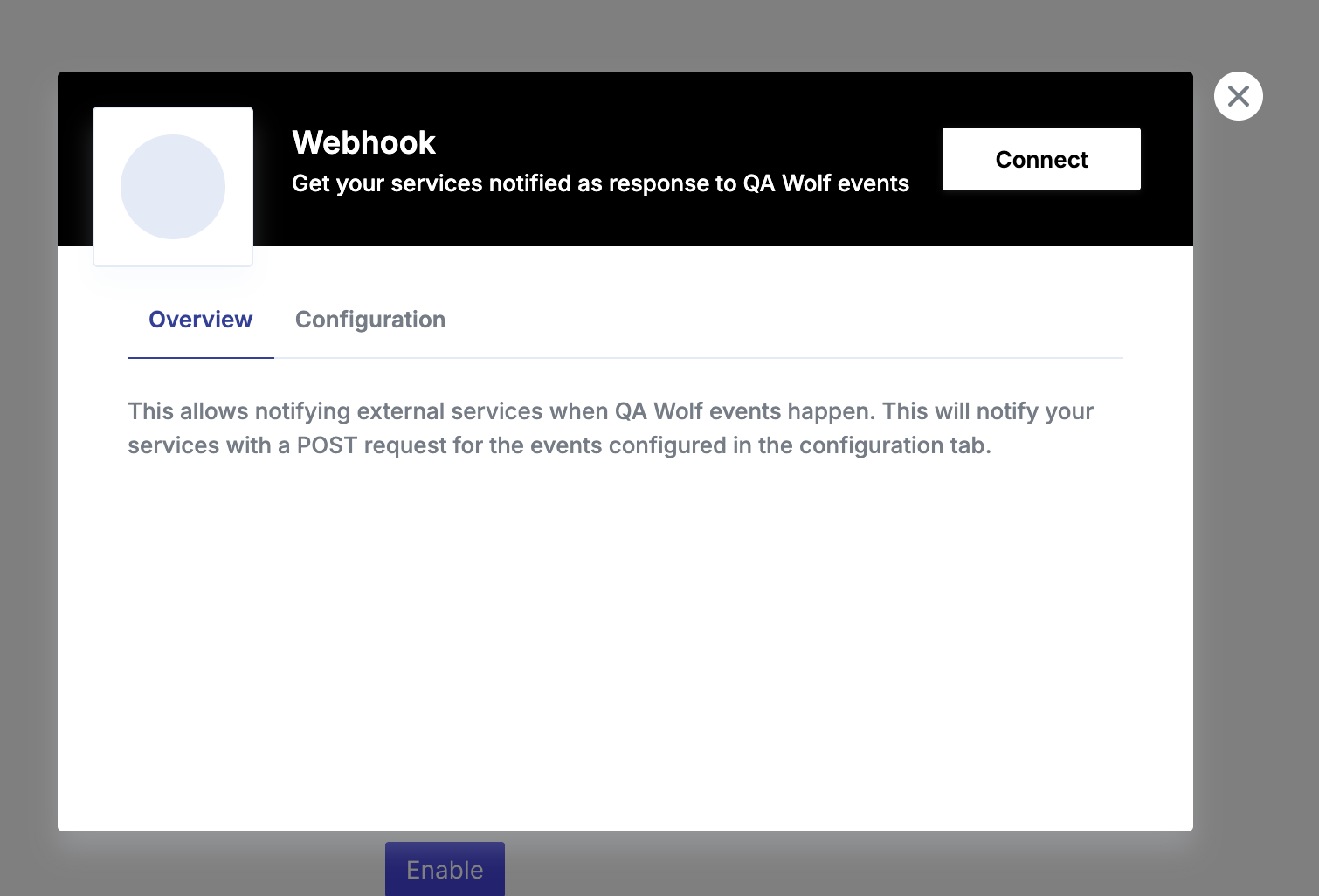
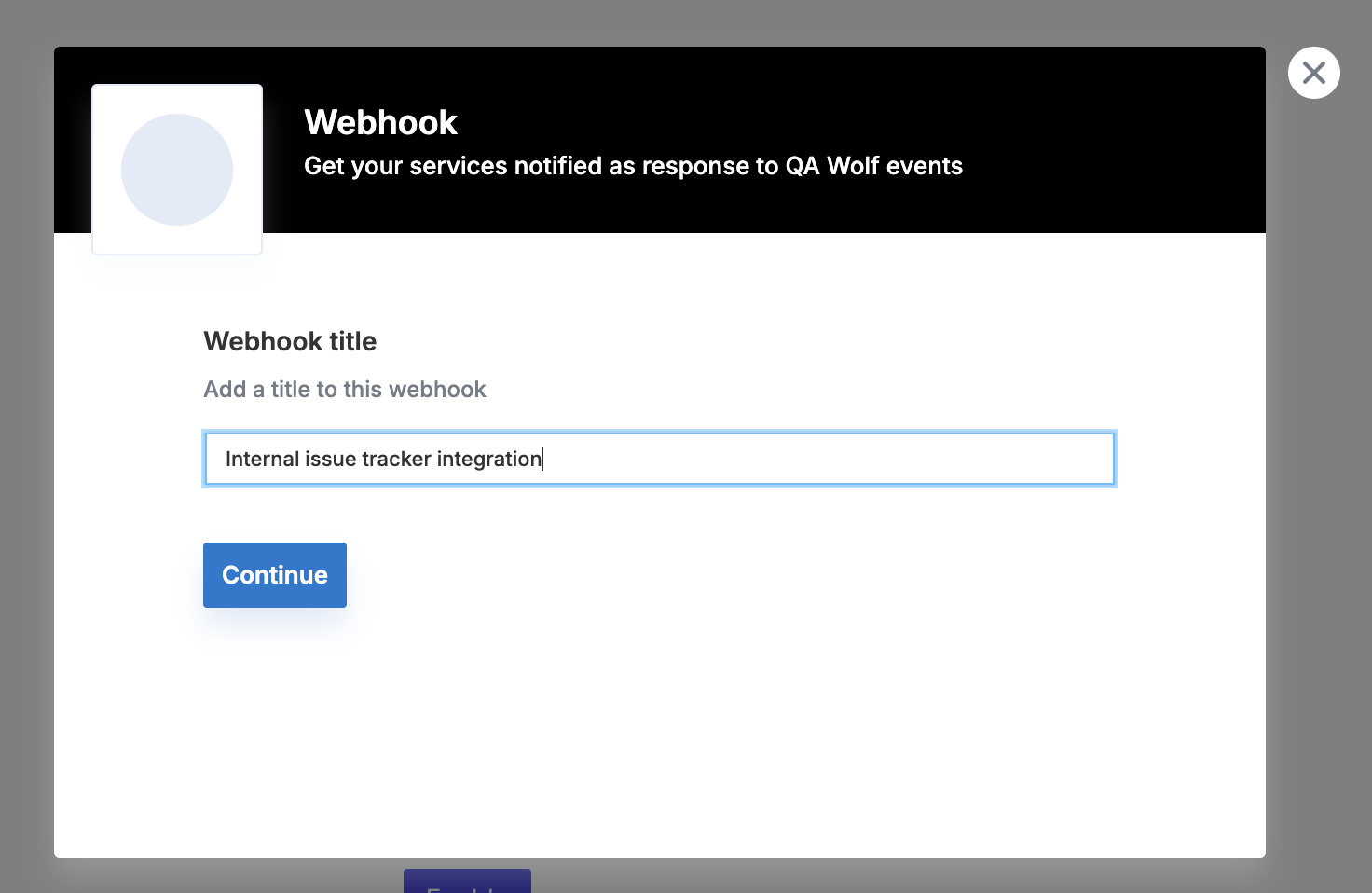
Define the webhook URL and enable “Notify when bug report is opened.” This is the location of the webhook used by your bug tracker.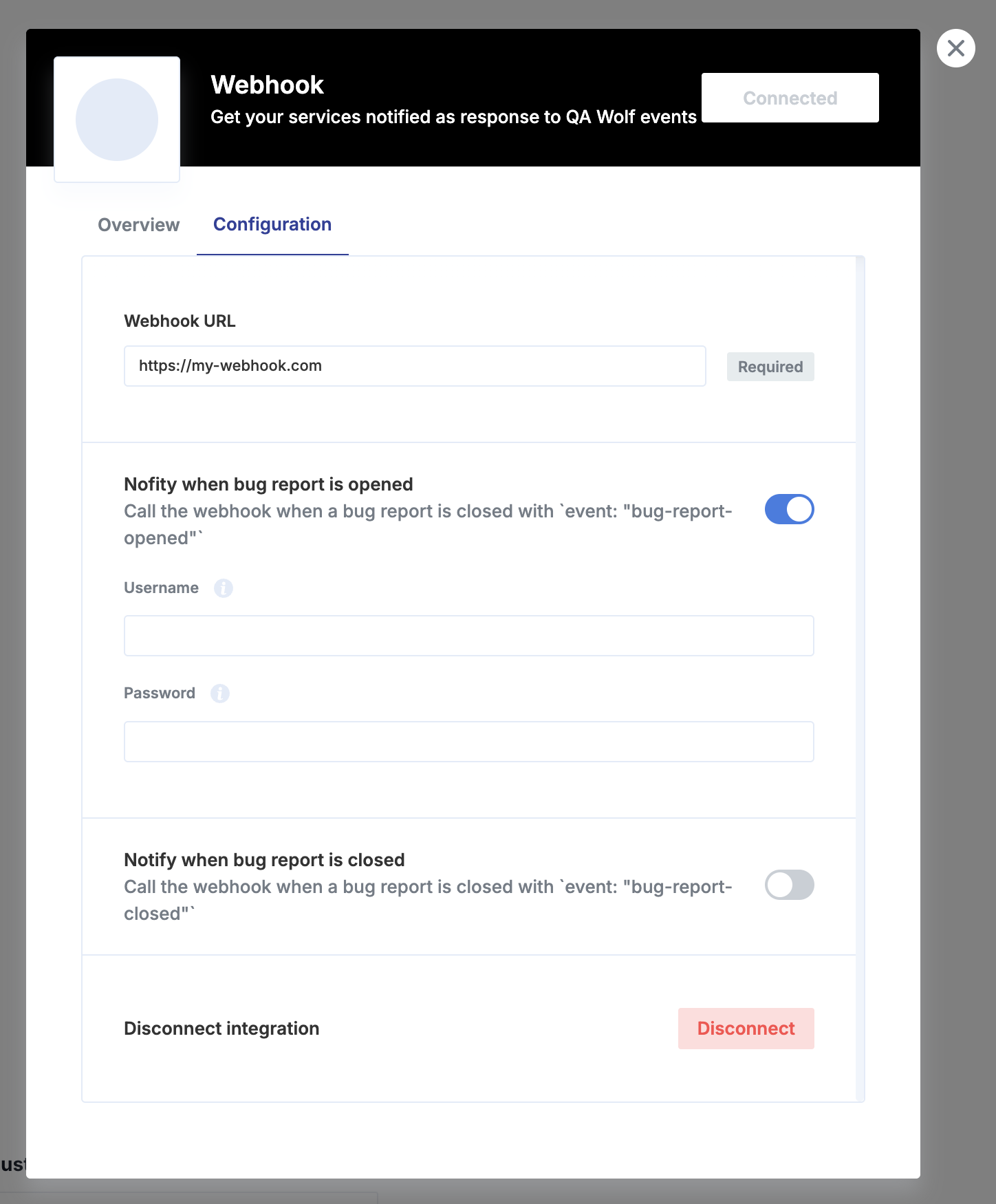
When an issue is created, your endpoint will receive
POST requests with a JSON body (Content-Type: application/json). Here’s the expected structure and an example payload.Expected JSON Body Fields
The primary data is in the request body:-
id(string): Unique bug report ID. -
title(string): Bug report title. -
description(string): Detailed description (may contain newlines/links). -
url(string): Link to view the bug report in QA Wolf. -
event(string):bug-report-opened.
Example Payload
This example shows the full request structure your endpoint will receive:JSON
Authentication
If username and password are set, those will be used for basic HTTP authorization when performing thePOSTrequest against your webhook.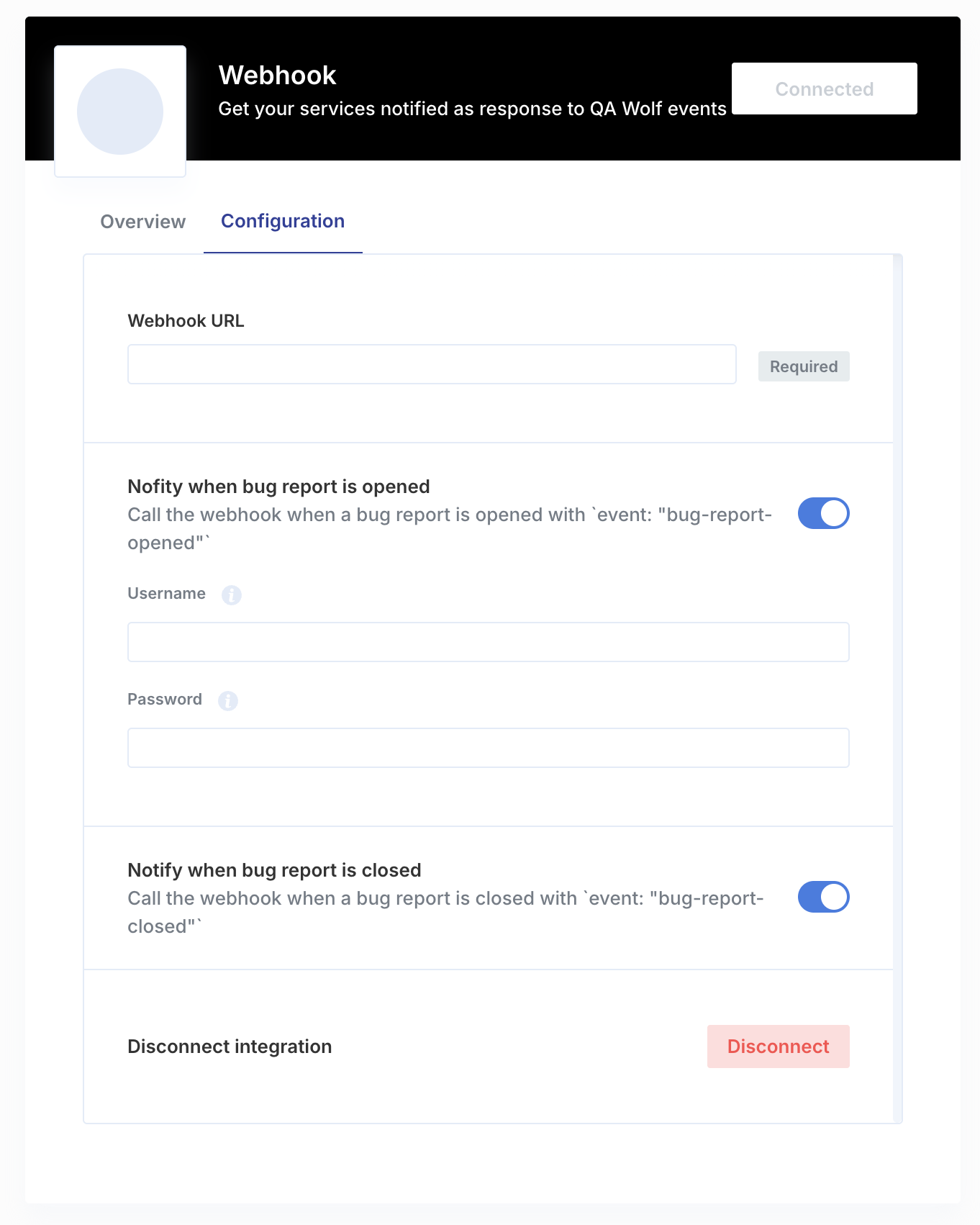
Make your webhook respond to the
POST request a payload containing these fields:-
externalId(string): ID of the issue for the QA Wolf bug report in your issue tracker. It will be used to identify issues that will need to be updated in the future. -
humanId(string): Human friendly issue ID that will be used on QA Wolf UI, Slack messages and other integrations. -
url(string): Link to the issue.
When a bug report is closed, your endpoint will receive
POST requests with a JSON body (Content-Type: application/json). Here’s the expected structure and an example payload.Expected JSON Body Fields
The primary data is in the request body:-
externalId(string): The ID of the issue associated with the closed bug report. -
event(string):bug-report-closed.