auth token from to run before all of the other workflows on my team.
General overview of Workflow Run Rules
How do I accomplish this? Well, let’s jump into it.First, you need to create a Rule for your team. Please be aware that all rules will apply to all runs on all branches.Navigate to Runs > Rules.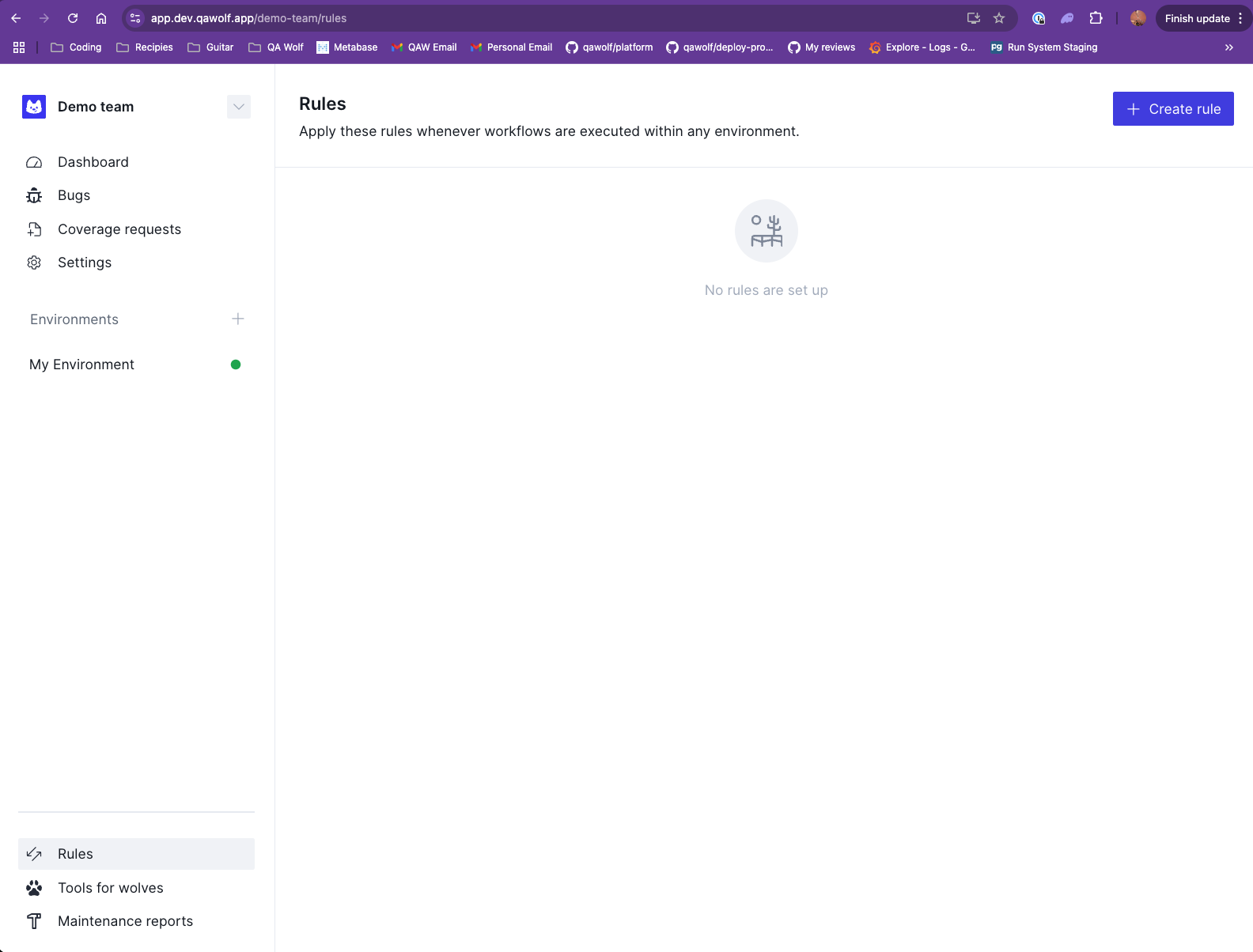
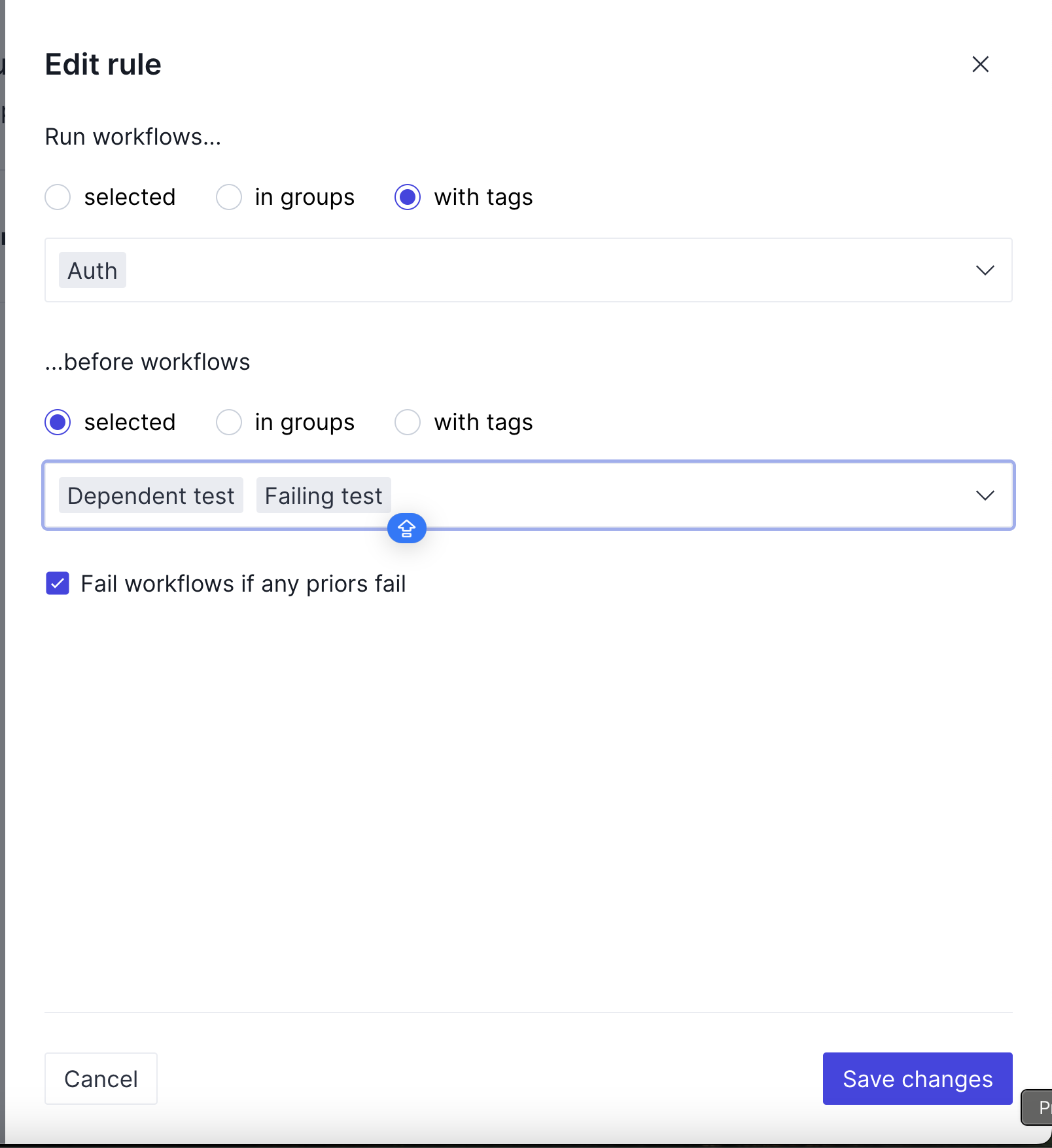
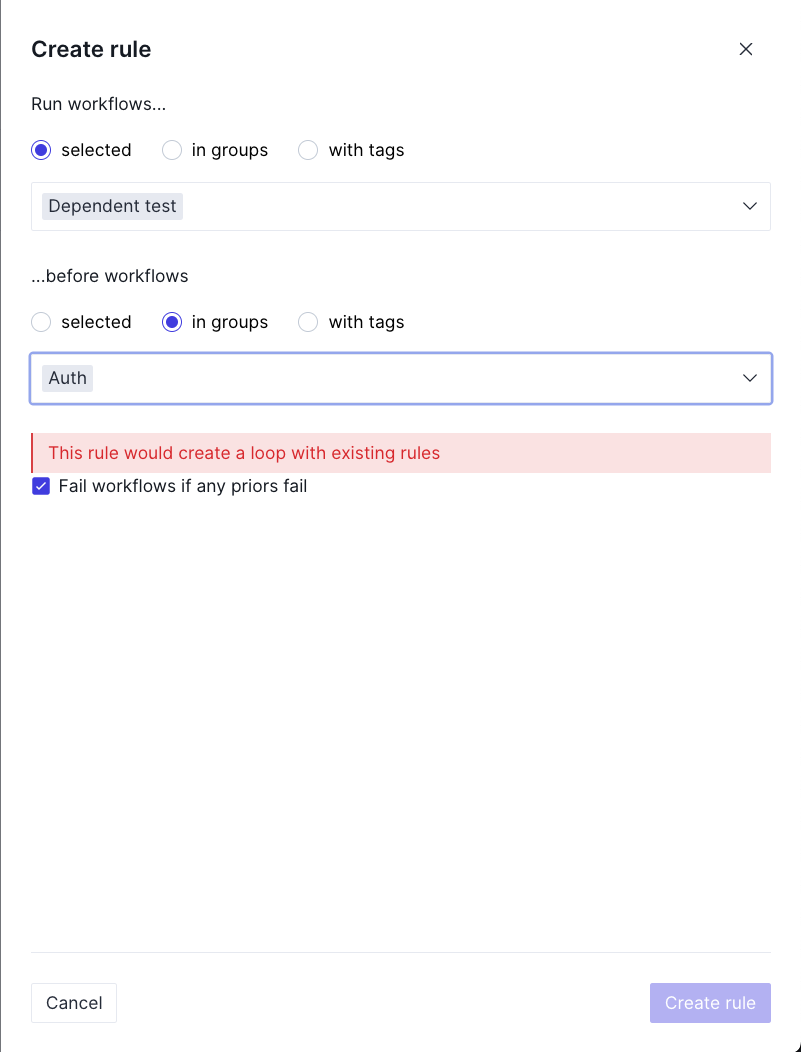
Auth tag, before Dependent Test and Failing TestFail workflows if any priors fail this checkbox determines what should happen to dependent workflows when a prerequisite fails. If this checkbox is not checked, the dependent workflows will still run.After defining your rules, you will sometimes need to access information from one of the workflows that needs to run first. This can be done by using the 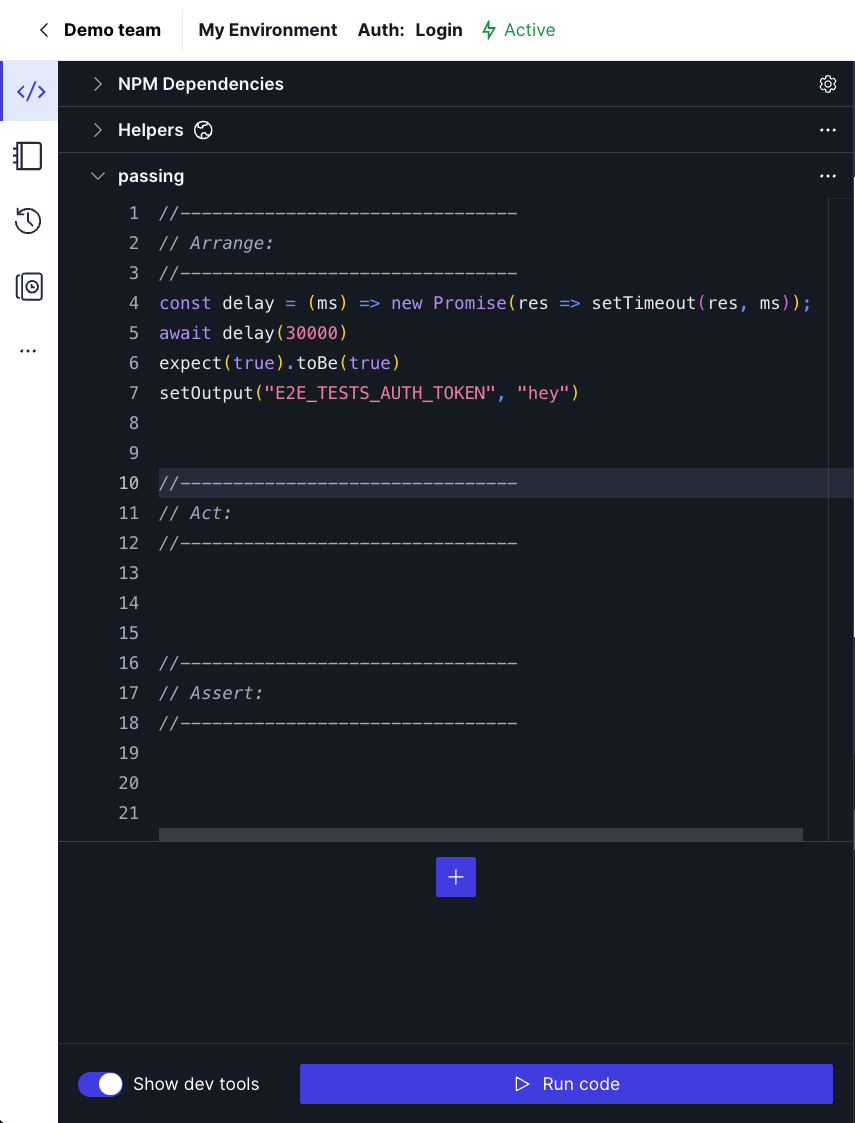
setOutput function available in all runners.You can use the setOutput function like so:JSON
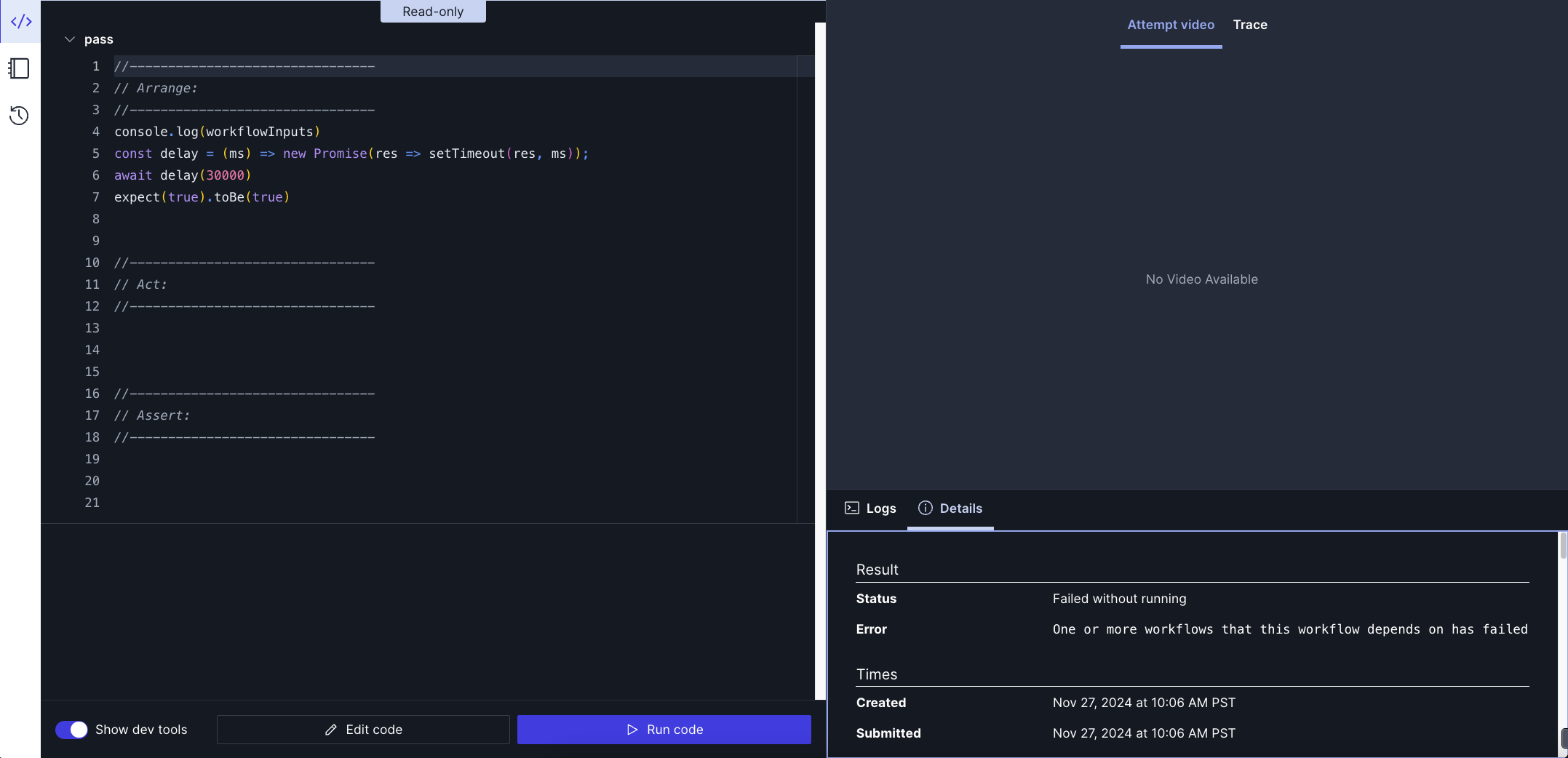
You can then access the output in runs that depend on the above workflow by accessing the
workflowInputs object: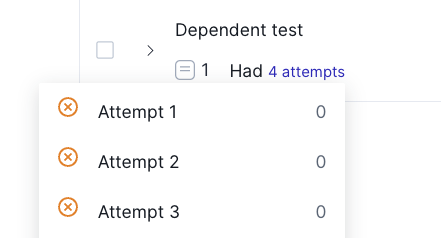
Common edge cases
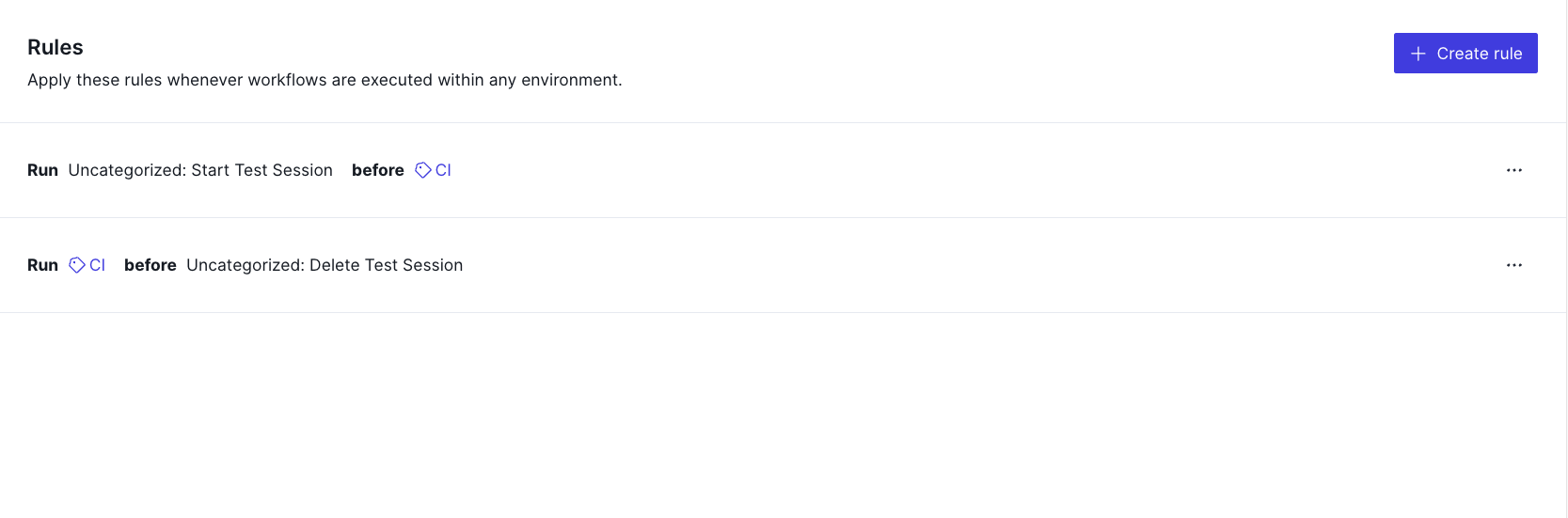
There are some situations where the usage of rules may not be obvious. These are documented below.- Imagine you have a workflow you need to run before all CI flows, and a workflow you need to run after all CI flows. More or less a beforeAll and afterAll, if you are familiar with jest. You just created some rules that look like the ones below: