

This page covers AI creation inside QA Wolf. To create flows from Claude Code, Codex, or another coding agent, see Use QA Wolf from your coding agent.
Start a flow
Two entry points on the Flows tab hand a new flow to the agent:- Create flow — the button above the flows list
- Create flow — the large purple button on the All flows page
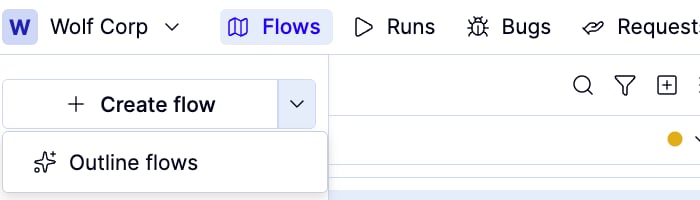
Describe the flow you want
Either Create flow button opens the AI chat panel in flow mode, offering Create a flow and What should I test? to start from.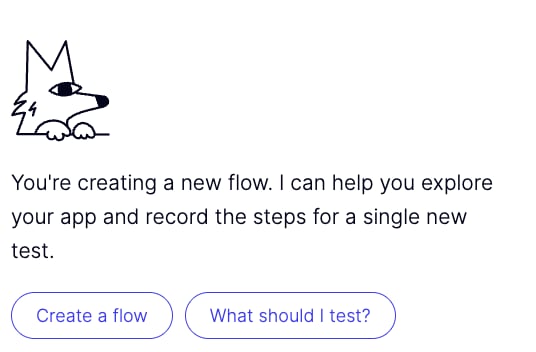
Type a description
Type a plain-language description of what you want the flow to do into the chat box and hit enter. For example: “Log in with a valid email and password and assert that the dashboard loads.”Speak a description
Click the icon and speak your instructions.The agent will create the required groups and flows if they don’t already exist.
What happens next
The agent generates the flow code and opens it in the editor. From here you can:- Run it immediately using the Run button to see it execute in the browser panel
- Review the code if you want to understand or manually adjust what was generated
- Ask the AI to change it by typing a follow-up instruction in the chat panel